Is Smart Water Box Legit? A Quick Checklist Before You Buy
Is Smart Water Box legit? It is sold through ClickBank, with a seller support email, a refund page and a 60-day money-back guarantee.
- Author
- Strong Health Tips Editorial Team
- Published
- Updated
- Reading time
- 7 min read
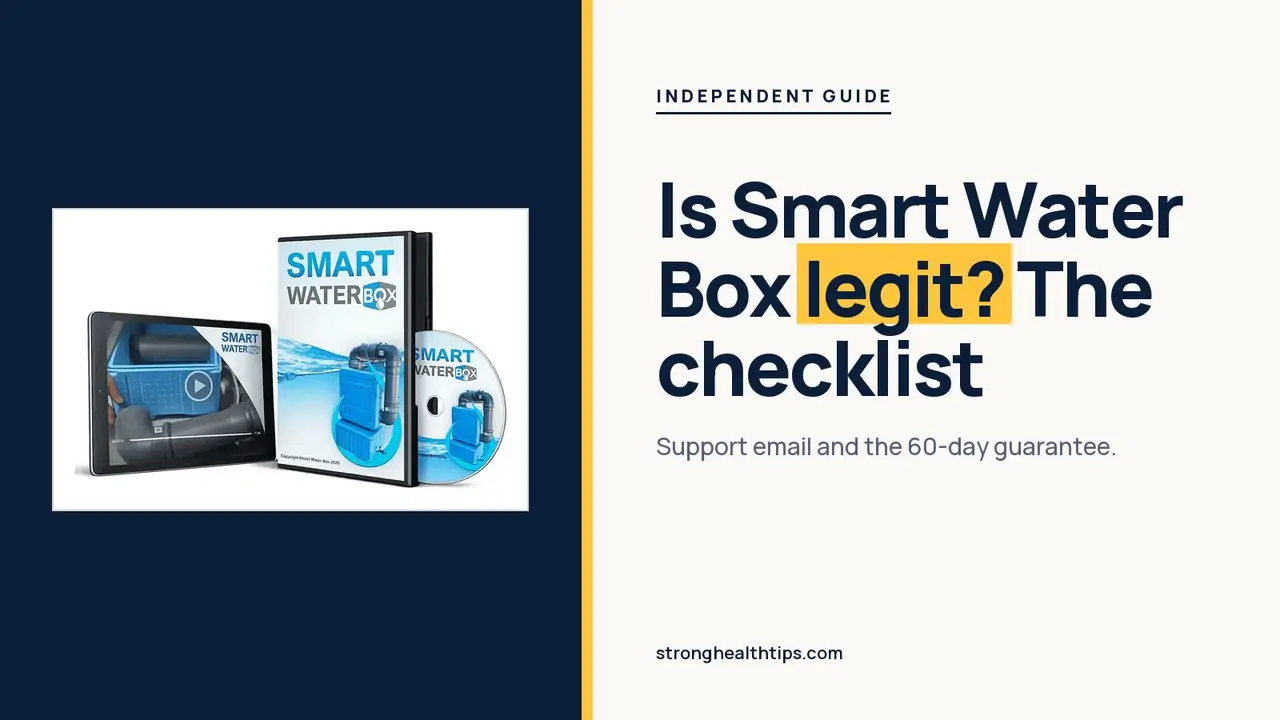
Is Smart Water Box legit? Most careful readers ask this before any money changes hands, and the question deserves a clear answer. This checklist walks through the points a reader can confirm directly: who runs the checkout, how to reach support, what the guarantee covers, what the main page includes and which local rules apply to any build. Work down the list and you will see which answers are settled and which ones you confirm on the order page.
Check it yourself
Start with the checkout details
Look at the retailer, the support route and the guarantee terms before any payment.
Follow the order routeIs Smart Water Box legit? A five-point checklist
Begin with the points you can confirm yourself. The hub page holds the product sheet if you want the summary first. Then take these five points in order.
- Retailer. ClickBank processes the order as retailer, and its order help lives at clkbank.com. Keep that route in mind if an order needs fixing.
- Support. The seller provides a support email, [email protected]. No phone line or street address appears on the pages, so email is the direct channel.
- Guarantee. A 60-day money-back guarantee covers the order. You ask by email for a full refund, and the seller puts the refund timeline at 3 to 5 business days.
- Main page. No price appears, and the format, contents, parts and tools are for you to confirm on the order page. An intro video leads the page instead.
- Local rules. Plumbing, building and electrical rules apply to any build, whatever a guide says about it.
Read the five together. Retailer, support and guarantee are things you can check by using them. The main page details get settled on the order page. The local rules point belongs to you and your local office, and it is the one most likely to shape what you can build at home.
Checkout and the retailer
ClickBank runs this checkout, so the retailer is named along the order trail. A named route is easier to follow when something needs attention. It does not, however, tell you what the guide contains or whether a build will suit your home.
If a question comes up after you buy, start with the confirmation message, since it carries the order details. Then write to the seller’s support address. Order-level questions about the checkout go to clkbank.com. Keeping those two channels separate speeds things up, because the seller handles the guide and ClickBank handles the order.
A small habit helps here. Take a screenshot of the order summary before you close the tab. A dated image gives you a fixed reference if the details change later in your inbox.
Picture the order going through on a weeknight. File the confirmation message in one folder and note the seller’s domain beside it. If a question surfaces weeks later, the order number and the support route will sit in one spot instead of being scattered across several inboxes.
What the seller’s disclaimer says
The seller’s disclaimer calls the unit an experiment that has not been technically assessed, and it cautions that certain home modifications may be against the law where you live. Ask your local authority before you touch a water line or install a unit. The same material describes its presentation as promotional and names a pen name as the author. These are the seller’s words. They help you set expectations for the order page, and they do not settle whether the guide fits your project.
Before you order
Check the live figure first
Confirm the current figure and the format before you draw up any plan.
Open the order detailsWhat to check on the order page
Bring a short list to the order page. Write down the current price and the payment terms. Note whether the guide arrives digitally, physically or both, and whether anything physical ships. Check the contents, and whether parts or tools are named. Review the three bonuses the seller mentions and what each one covers. Read the guarantee exactly as it is printed.
If any of those points is not clear, put a written question to support before you order. A written reply settles the matter for both of you.
Lookalike sites and the real route
Begin at the seller’s own domain, watersmartbox.com, rather than at a copied link. Sites that imitate the name, download portals and file-sharing pages that promise the guide are not the seller’s order route. Imagine a search result with a similar name that opens onto a wall of download buttons. Close that tab. The genuine route leads into a checkout, not a file you never requested.
If someone asks you to pay somewhere other than the checkout you started from, pause and go back to the seller’s domain. The support address and the order page both sit on the seller’s domain, and ClickBank is the retailer for the order.
Good to know
Anything a home device produces should be treated or checked before anyone drinks it. Its yield changes with humidity and temperature. Local rules and electrical safety come first, whatever a guide advises, and mains work is a job for a licensed electrician.
How the 60-day guarantee works
A 60-day money-back guarantee is attached to the order, and the request runs by email. Write to [email protected], ask for your money back in full and keep the confirmation with the order details. Refunds take three to five business days to post, according to the seller. The support inbox is the route the seller lists, so use it in writing.
A guarantee gives you a clear way out, and it does not stand in for a licensed water supply or settle whether a build is permitted. Those answers come from your local office and a qualified installer. For the full refund steps, see the refund policy post, and the money-back guarantee post covers how to word the request.
Protected order
Keep the confirmation close
The refund request goes by email, and the 60-day money-back guarantee stands behind it.
Open the order detailsWhat this checklist covers
A checklist like this one covers the edges of an offer: the checkout, the support route, the guarantee wording and the surrounding pages. It does not predict how a particular build will perform in your home, and it does not measure what a unit produces on a damp week versus a dry one. Those answers come from the guide’s content, your local rules and your own planning.
That is why the list ends with your next steps instead of a single verdict. Keep any list you write short and specific, because three precise questions are easier to act on than a long run of general worries. Read the order page, confirm the format and the price, check with your local office, and then choose your next move. The seller’s remarks on home changes point the same way: the offer is one input to a project, and the project has its own checks. The what’s included page gives the seller’s own list of what the offer contains, and it pairs well with this checklist.
Our short answer on legitimacy
On the checkable points the picture looks ordinary: a named retailer, a support email, a stated refund route and a 60-day money-back guarantee. What remains to confirm is whether the guide fits your project, which depends on format, contents and your own plans. Those details belong to the order page. After that, your local rules and your parts list take over. If the checklist leaves you with a question, the simplest step is a short written message to support, and the next simplest is a pause before checkout.
The hub page keeps the product facts together, and the official website guide shows how to reach the real order page. For the questions a careful reader tends to ask, the complaints page takes them one by one.
Ready when you are
Walk through the checkout route yourself
Confirm the retailer, the support email and the guarantee on the order page.
Visit the order pageQuestions people ask
Is Smart Water Box legit?
The checkout details are straightforward: ClickBank runs the checkout, a support email is listed, and a 60-day money-back guarantee applies. Whether the guide fits your plans is the next question, and the order page and your own planning answer it.
Who handles the checkout?
ClickBank acts as the retailer for this offer. Its order support is at clkbank.com, and questions about the guide itself go to the seller's support email.
How do I reach support?
Email [email protected]. The seller's pages list no phone line, so email is the route to use.
What if I want my money back?
Email the support address, ask for a full refund and keep your confirmation email. The seller puts the refund timeline at 3 to 5 business days.
Does the main page show a price?
It does not. The current price is on the official order page, so check it there before you pay.
Is water from the box fit to drink?
Treat the water, or have it tested, before drinking it. Output depends on humidity and temperature, so results can differ from one day to the next.
Please note. This guide is general information only, not professional, legal or safety advice. Follow local building, electrical and water rules, and use a licensed professional where the law or your safety calls for one. Prices, plans, bonuses and refund terms can change; the official order page is the final word. Full disclaimer.
Written by
Strong Health Tips Editorial Team
We research, write and fact-check every guide against current guidance from major health bodies and peer-reviewed studies, then rewrite it in plain English. How we work.