Smart Water Box Official Website: Find the Real Order Page
Find the real Smart Water Box official website and order page: the seller's domain, its support email, lookalike sites and what to check on the order page.
- Author
- Strong Health Tips Editorial Team
- Published
- Updated
- Reading time
- 7 min read
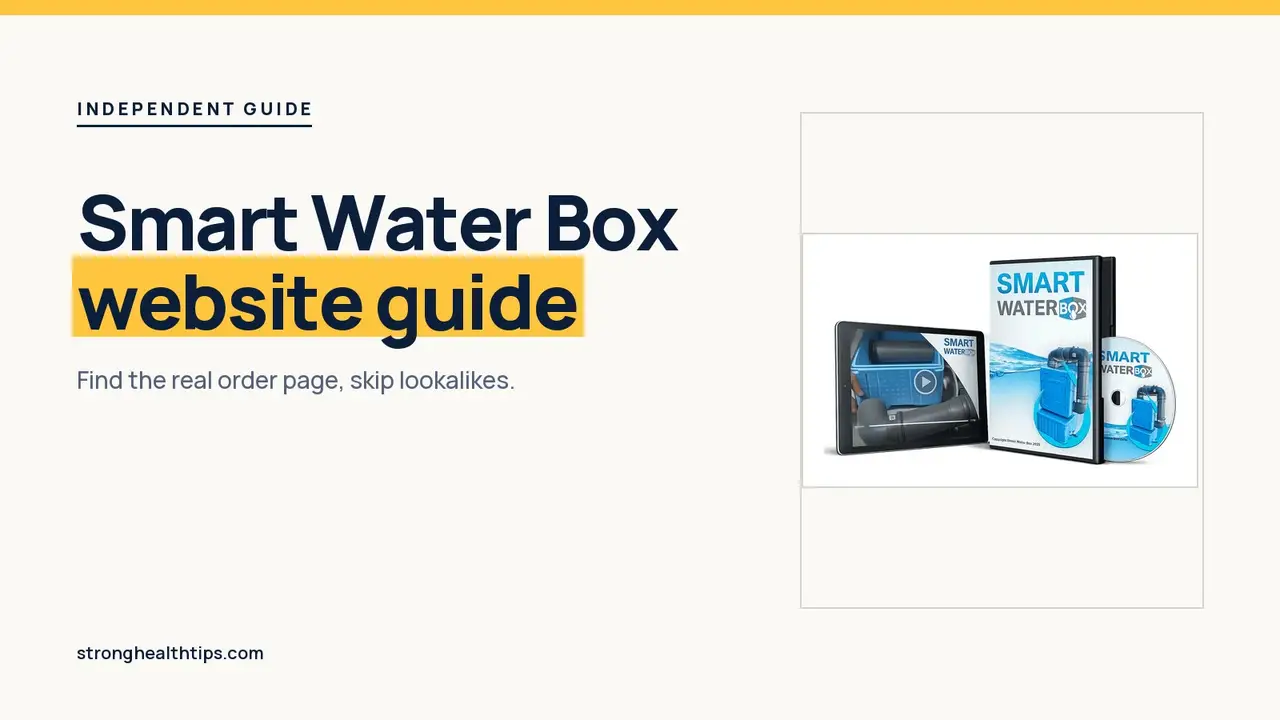
Finding the Smart Water Box official website is the first step before any order, and it takes only a few minutes. The seller’s domain is watersmartbox.com, and the support mailbox sits on that same domain. What follows shows how to reach the genuine order page, how to spot copies, what a genuine checkout looks like and which details to confirm once you are there. Payment belongs in the checkout you reach from the seller’s domain.
Start at the seller’s domain
Reach the genuine order page
Begin on the seller’s own site, then confirm the details on the page.
Head to the order pageSmart Water Box official website: the domain to begin with
Enter watersmartbox.com directly rather than tapping a link that arrived by message. The main page holds an intro video and a short message, and it describes the guide as step by step. It shows no price, and it does not state the format, the contents, the parts or the tools. Carry those questions over to the order page, where the live price is displayed.
Follow the seller’s route from the main page toward the order page, and glance at the address bar at each step. If the address shifts to an unfamiliar name, return to watersmartbox.com and begin again.
Telling the genuine page from a lookalike
The genuine route shows a few traits you can check in under a minute. The domain reads watersmartbox.com, spelled exactly. The support address, [email protected], sits on that domain. ClickBank runs the checkout as the retailer, and order support lives at clkbank.com. The page stays focused on the guide, with no unrelated offers layered over the checkout.
Imagine a search result with a similar name that opens onto a page full of download buttons and flashing banners. Close it at once. Copies tend to rely on noise and on files you never asked for, while the genuine route leads into a checkout and nothing more.
Good to know
Water from a home device should be treated, or tested, before drinking. Output shifts with humidity and temperature, so expect variation. Keep local rules and electrical safety at the front of your planning, and hand any mains work to a licensed electrician.
Support, email and the refund route
Support runs through email, addressed to [email protected]. No phone line or street address is listed, so the inbox is the contact point for the guide. For the 60-day money-back guarantee, write to that inbox, ask for a full refund and keep the confirmation message. The seller puts refund timing at 3 to 5 business days.
If a message arrives from an address outside the seller’s domain, check it against the address printed on the order page before you reply.
Save the support address in your contacts under a short label, so you can find it quickly if a reply arrives weeks later. A message from the same domain you started from is one more sign that you are on the seller’s side of the process.
ClickBank, checkout and order support
ClickBank is the retailer for this offer, and clkbank.com is where order support lives. Questions about the checkout belong there, while questions about the guide belong with the seller’s inbox. Keeping the two channels apart means each question reaches the party able to answer it.
Suppose you need to correct a billing detail. The quicker path is the order support route at clkbank.com, while the seller’s inbox handles the guide and the refund request. If you are unsure which route fits, ask whether the question concerns the guide or the order. Questions about the guide go to the seller, and order-record questions go to ClickBank.
What to check on the order page
Keep your notes open while the order page loads, and work through the items one at a time. Copy the guarantee wording exactly, because that is the line you will cite if you email for a refund. A dated note of what the page showed is a small step that saves time later.
- The current price, displayed before you pay.
- The payment terms, including how the charge is described.
- The format: digital, physical or both.
- The contents, parts and tools, if the page names any.
- The bonuses the seller mentions, and what each one covers.
- The 60-day money-back guarantee wording, as printed.
An item you cannot find on the page is a good reason to write before ordering. A clear reply in writing beats a guess made in a rush.
Protected order
Use the checkout from the seller’s site
Confirm the domain, the support address and the guarantee before you pay.
Check the checkoutWhy the domain matters more than the layout
A page can look polished and still sit on the wrong domain. Logos, colors and a confident tone are simple to copy, and they reveal little about who answers the inbox. The domain is harder to imitate convincingly, which makes it the first thing to check. A second check is the support address, which should share that same domain. Read the address bar from left to right: the seller’s name should appear in the domain itself, not buried in a subfolder or a string of unrelated words.
Search results and similar names
Search results can carry similar names, and a sponsored result is not always the seller’s own page. Look for watersmartbox.com in the result and again in the address bar once the page opens. If the domain differs by a letter or a hyphen, close the page and type the address yourself. That takes seconds and keeps you on the seller’s pages.
What a checkout should look like
The checkout should be straightforward. You open the offer from the seller’s order route, you see the current price and the payment terms, and you move through one flow to the confirmation. If the flow pushes you through unrelated offers or asks for details the order does not need, stop and recheck the domain before going further. The hub page lists the product facts you can set against what the checkout displays.
If you landed on the wrong page
Stop, close the tab and type watersmartbox.com again instead of following a link from a message or an advertisement. Compare the support address you see with [email protected]. If you already entered any details, write to the seller’s inbox and to clkbank.com for order support, and keep a copy of what you sent. Then restart from the seller’s domain.
Where to find the product facts
The hub page gathers the product details in one spot, and it is the quickest way to check your notes against a single summary. Use it after the order page, not before, so the live checkout stays the reference for the figure and the guarantee.
What the official page settles, and what it does not
Finding the genuine page settles where to order, not whether the guide fits your project. The format, contents and parts become clear once the order page or the guide answers them. Water and electrical points still follow your local rules, and the guide does not replace a licensed water supply.
For a price-focused look at the same ground, the price guide walks through the figure step by step. For the refund steps in full, the money-back guarantee post sets them out one by one. The what’s included page lists what the seller says the offer contains.
Next step
Set this checklist against the order page
Domain, support, price, format and guarantee, in one pass.
Go to the genuine pageFind the genuine order page now
Start from watersmartbox.com, then check each item on the list before you pay. The domain, the support address and the checkout route are the three quick checks, and the price and the guarantee come next. Once those line up, the rest of the planning can follow at your own pace.
Ready when you are
Find the genuine order page now
Start from watersmartbox.com and check each item before you pay.
Visit the order pageQuestions people ask
What is the Smart Water Box official website?
The seller's domain is watersmartbox.com. Start there, then follow the route to the order page.
How can I tell the real page from a copy?
Check the domain, the support address and the checkout route. The support email, [email protected], sits on the seller's own domain, and the checkout is run by ClickBank.
Which sites should I avoid?
Copies of the name, download hubs and any page that asks you to pay somewhere other than the checkout you started from.
Is ClickBank the seller?
No. ClickBank handles the checkout as the retailer. The seller's support email answers about the guide, and clkbank.com handles order support.
Does the official site show a price?
The main page shows no price. The current figure is on the order page, so check it there.
What if the order page differs from this article?
Trust the order page you reach from the seller's domain, and compare it against the checklist here. Pages change, so the live page is the reference.
Please note. This guide is general information only, not professional, legal or safety advice. Follow local building, electrical and water rules, and use a licensed professional where the law or your safety calls for one. Prices, plans, bonuses and refund terms can change; the official order page is the final word. Full disclaimer.
Written by
Strong Health Tips Editorial Team
We research, write and fact-check every guide against current guidance from major health bodies and peer-reviewed studies, then rewrite it in plain English. How we work.