Smart Water Box Money-Back Guarantee: How the 60 Days Work
Smart Water Box money-back guarantee: a 60-day guarantee, how to email the seller's support team, and why to keep your confirmation email.
- Author
- Strong Health Tips Editorial Team
- Published
- Updated
- Reading time
- 7 min read
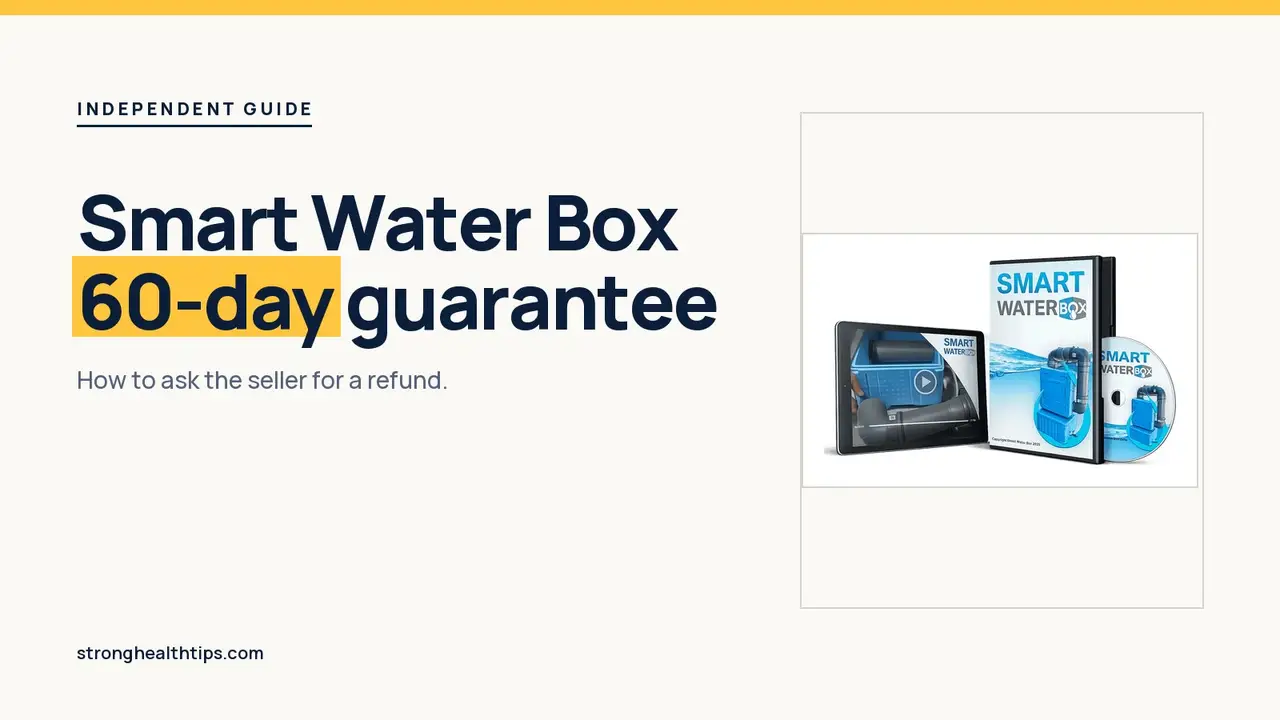
The Smart Water Box money back guarantee is the reassurance a careful reader looks for before ordering a DIY guide, and it deserves a plain explanation. The offer is backed by a 60-day money-back guarantee. You ask for the money back by emailing the seller’s support address, requesting a full refund and keeping your confirmation email. The seller says refunds post in 3 to 5 business days. This article explains the guarantee in everyday terms, shows you how to make the request and points out what the guarantee leaves to you. A summary of the offer gives the wider picture if you want it.
Money-back guarantee
Check the guarantee text on the order page
Your request should match the words the page uses, so check them first.
Open the order pageThe Smart Water Box money back guarantee in plain terms
A money-back guarantee is a promise to return your money when you ask for it under the terms the seller sets out. Here, the terms are a 60-day money-back guarantee, a support route by email and a refund that the seller says posts in 3 to 5 business days. The promise is about the money. It is not a review of the guide, and it is not a list of what the guide contains.
Think of a shop counter where the clerk hands back your payment when you explain the return politely and show your receipt. The guarantee works on a similar principle, except the request goes by email and the receipt is your confirmation message. Keep both, and the request is simple to make.
Three questions to answer before you write
Before you send anything, make sure you can answer three simple questions. Which order are you writing about? Which address will the reply go to? Is the confirmation email open in front of you? Those answers make the request quick to handle and prevent the back-and-forth that slows a refund down. If you cannot answer one of them, look at the confirmation email again before you write.
How to ask for the money back
Follow these steps in order, so the request arrives complete:
- Find the confirmation email from your order and note the order details it contains.
- Write to [email protected]. Use plain words and name the order.
- Say that you would like a full refund under the 60-day money-back guarantee.
- Save a copy of the message, with the date and time you sent it.
- Wait for the seller’s reply, and expect the refund to post in 3 to 5 business days, as the seller says.
A short, factual message does the job. You do not need to build an argument, and you do not need to add anything the guarantee does not ask for.
Good to know
A refund does not make a home-built unit safer on its own. Water from any such device should be treated or checked before drinking, its output changes with humidity and temperature, and local rules and electrical safety still govern the build.
A sample request in your own words
Here is one way a request could read, written in plain English. Adapt it to your situation rather than copying it word for word.
“Hello, I ordered Smart Water Box and I would like a full refund under the 60-day money-back guarantee. My order details are in my confirmation email, and I have added them below. Please confirm once the refund has been sent. Thank you.”
Add the order details from the confirmation email, your name as it appears on the order and a line asking for written confirmation. Nothing else is needed for the request to be clear.
What to keep on file
Your confirmation email is the record that matters most. It holds the order details that support will ask for, so store it somewhere you can find quickly. Keep every reply from the seller in the same place, and note any phone call or chat in a one-line log with the date. If the request goes to ClickBank, keep that correspondence with it.
Store the guarantee wording as you read it on the order page, too. A screenshot or a saved copy shows the terms as they read on the day you checked them, which is useful if the wording changes later and you need to compare.
Keep the record
Hold the confirmation email with the order details
Support will want them, so keep the email where you can find it.
Visit the order pageWhat the guarantee leaves to you
The guarantee deals with the purchase. The water checks that any home-built unit needs remain yours to handle. Treat or check water before drinking it, and remember that humidity and temperature shift the output. Local rules still apply to any change you make to a water line, a wall or a power circuit, and a licensed electrician should handle mains wiring.
The guide’s format and contents stay where they are. The seller’s main page does not state either one in detail, so confirm them on the order page before you buy. The guarantee protects the money, and the checks above protect your build.
Reading the wording on the order page
Terms can be worded in several ways, and a summary will always be shorter than the original. Read the guarantee text on the order page in full, then compare it with what this article says. If anything differs, the order page is the source to follow, and a written question to support settles any gap.
Pay attention to the contact route too. The guarantee names the email address, and the support email is the channel for a refund request. ClickBank sits behind the checkout as the retailer, and order questions about the record go to clkbank.com. Knowing which channel handles which matter keeps your request from bouncing between inboxes.
Common questions about asking for a refund
Plenty of people worry that asking for a refund will feel awkward. In practice, a clear email with the order details is all the seller needs to act. Skip long explanations of the project, because the request is about the purchase and the guarantee, not about your plans.
Some readers also ask about the return steps for the guide itself. This article does not set those steps out in detail, so put that question to support in writing and keep the reply with your confirmation email. A written reply is the answer to rely on for that point.
If the reply does not come, send one follow-up that quotes your first message and keeps the same calm tone. If the refund still has not posted in the time the seller gives, write to ClickBank order support with your order details and both emails attached. That is the whole escalation path.
For a longer walk through the refund route, see the refund policy post. Readers who want the buyer questions in one place can read the complaints post, which sets out the points that come up most often.
Before you order
Know the guarantee and the support email first
Both are on the official order page, so read them before you check out.
Open the official order pageWhere the guarantee fits in the bigger picture
One practical habit helps here. Put the guarantee line, the support email and the order number on the same page of your planning notes, next to the checklist for price, format and water checks. When each item sits in one place, you can see at a glance which parts of the offer are settled and which still need an answer.
The guarantee is one part of a wider choice, and the other parts deserve equal attention. The price appears only on the order page, the format is one more detail to confirm there, and the build depends on sourcing, local rules and safe handling of water. A guarantee gives you a clear way to ask for your money back, and the rest of the planning stays with you.
The what’s included page lists what the seller says comes with the offer. Read it beside the guarantee wording, so you can see both the promise and the contents on one screen. For the remaining facts, return to the hub page, which keeps them together.
Ready when you are
Read the guarantee, then the order page
The 60-day money-back guarantee, the support email and the current figure, in one pass.
Visit the order pageQuestions people ask
What does the Smart Water Box guarantee promise?
A money-back promise, described as a 60-day money-back guarantee. Email [email protected], ask for a full refund and keep the confirmation email with your order details.
Where do I send the refund request?
To [email protected], by email. Put the order details in the message and say that you want a full refund.
How soon does the money come back?
The seller says refunds post in 3 to 5 business days. If the money has not appeared in that time, contact ClickBank order support at clkbank.com.
Do I need to send anything back?
Read the guarantee wording on the order page, and ask support in writing if you want the return steps spelled out before you write.
Does the guarantee cover water safety?
It is a money-back guarantee, so water checks stay where they are. Treat or test any water before drinking, and follow local rules.
Who handles the refund record?
ClickBank is the retailer, so questions about the order record go to clkbank.com. The guide's support runs by email at the seller's address.
Please note. This guide is general information only, not professional, legal or safety advice. Follow local building, electrical and water rules, and use a licensed professional where the law or your safety calls for one. Prices, plans, bonuses and refund terms can change; the official order page is the final word. Full disclaimer.
Written by
Strong Health Tips Editorial Team
We research, write and fact-check every guide against current guidance from major health bodies and peer-reviewed studies, then rewrite it in plain English. How we work.