Is My Shed Plans Legit? A Quick Checklist Before You Buy
Is My Shed Plans legit? It is a real shed plan library sold through ClickBank, with a named seller, a support desk and a 60-day money-back guarantee.
- Author
- Strong Health Tips Editorial Team
- Published
- Updated
- Reading time
- 7 min read
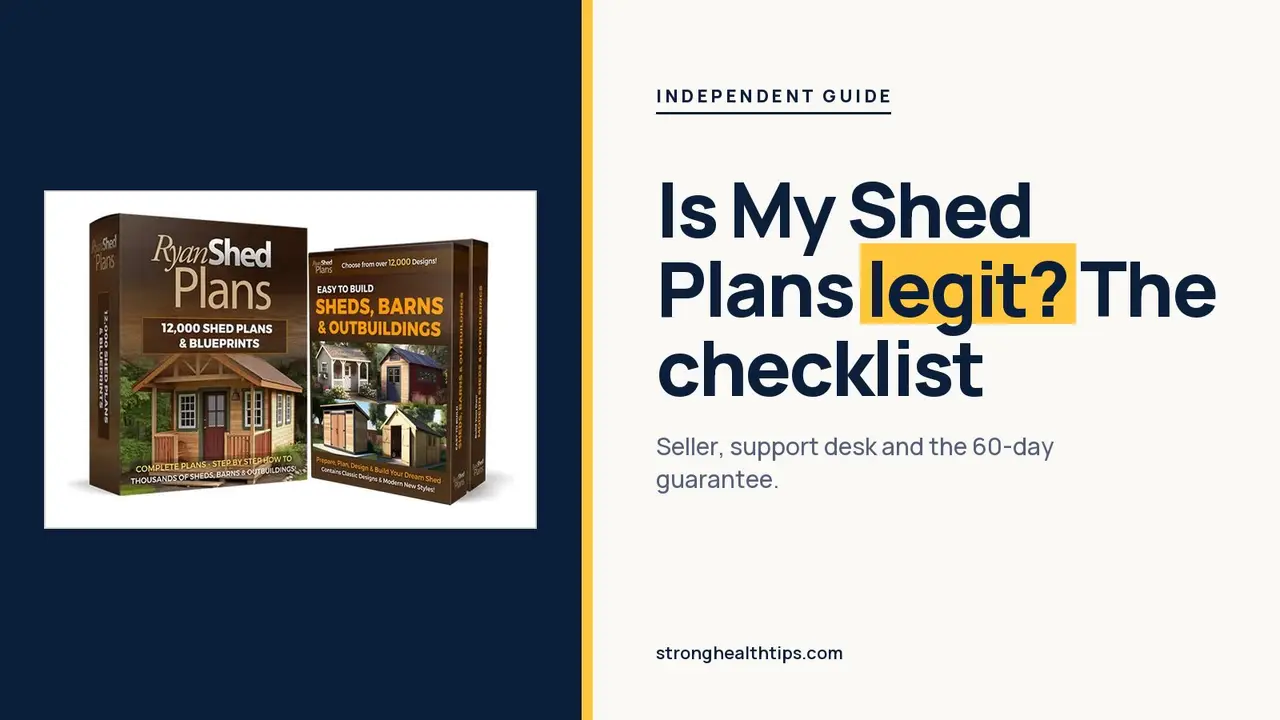
Is My Shed Plans legit? It deserves a look before you spend $37, and the checklist below lets you look for yourself in a few minutes. My Shed Plans is a members-area collection of shed plans. ClickBank handles checkout, and the seller’s page spells out the guarantee and how to reach support. Each check uses something visible on the order page or in your confirmation email, so you are not leaning on anyone’s word.
Read from the seller’s terms, the picture is a paid library sold through a recognized retailer, with a written guarantee. Local rules still arrive separately, since permits and building limits for a shed come from your local office rather than from any seller.
Start with the order page
Check the order page first
Look for $37 in one payment, the four bonuses and the guarantee.
Open the order pageIs My Shed Plans legit? A ten-minute checklist
- Retailer. ClickBank runs the checkout and answers order questions at clkbank.com.
- Seller. The seller’s page lists a business address in Riverside, California, plus a route to its support desk.
- Product. A members-area library that delivers zip files of PDFs.
- Price. $37 as one payment; the figure we read on November 24, 2026 carried no monthly line.
- Guarantee. A 60-day money-back guarantee written on the seller’s page.
- Support. A ticket form on the seller’s site, with help desk hours of 8am to 6pm, Monday through Friday.
- Branding. The box and the page use the name RyanShedPlans as the seller’s brand for this library.
Go through the list top to bottom. When a line disagrees with the order page, pause and put the question to the support desk before paying. Each item takes a minute or two, and nothing on the list calls for tools.
Checklist complete
Order the library for $37
When the page matches the list above, one payment opens the plans and the bonuses.
Continue to checkoutWho stands behind the order
ClickBank is the retailer, so payment and order support both run through its checkout. The seller supplies the library and answers questions about the plans and the guarantee through its support desk. Keep the two lanes apart: ClickBank for the order, the seller for the plans and any refund request. Knowing which lane a question belongs to saves time on both sides. The hub page gives the product details, and your confirmation email carries the order number both sides will ask for.
Reading the checkout screen
Give the checkout the same care you give this page. Confirm that the product name reads My Shed Plans and that the total reads $37 as a single payment. Untick any add-on you never intended to buy. Double-check your email address, since the confirmation and access details travel there. Only then enter payment information. When the receipt appears, keep a copy as a file or screenshot and note the order number beside the plans.
Signs to pause on
Stop and recheck if the price on one page differs from the checkout total, if someone asks you to pay outside the checkout, or if a form requests details unrelated to the order. A short pause costs little. A legitimate order flow has no reason to rush you, so take the time you need and write to support before continuing if something still looks off.
What arrives after the order is complete
After payment, the members area opens and the plans wait there as zip archives of PDFs. Download them on a steady connection, extract them into a folder you will remember, and open the sheets in a free PDF reader. Monthly additions widen the collection over time, and the custom request form handles sizes the library lacks. Keep the confirmation email nearby, because it carries the order details if you need help with access or a refund.
Keeping a simple order file
Set up one folder for this order. Store the confirmation email, the receipt, a screenshot of the guarantee wording and a short text note listing the order number. Log each support ticket with its reply and date. The job takes about five minutes and spares you a hunt later. File the folder next to the plans you download, so records and drawings stay together.
Questions to settle before checkout
Before you click through, settle three questions in your own head. Do you want the plans for one build or for a run of projects? Do you have a PDF reader on the device you will use for the downloads? Can you reach your local permit office by phone or email this week? If the answers are yes, the order comes down to confirming the figures on screen. If one answer is no, sort it out first, because the library works far better with all three pieces in place. Write the answers down if that helps.
Reading the guarantee as it is written
The seller states a 60-day money-back guarantee. Claim it through the support desk and include your order details, along with the email address and order number from your confirmation. Save copies of everything you send and receive. If the thread stalls, ClickBank order support at clkbank.com can point you to the next step. A guarantee protects the purchase, but it does not sequence your build, so keep the local checks in view. The money-back guarantee post lays out the steps in detail.
Order details
Keep the confirmation email
It holds the details support will request, and the guarantee runs through the same desk.
Get the library for $37What a legit order looks like on the page
A clean order page names the product, displays $37 as one payment, lists the four bonus titles, sets out the guarantee and gives a route to support. Checkout sits on ClickBank. The what’s included page presents the same points in catalog form, which makes a side-by-side check easy.
- A $37 total labelled as one payment, reviewed again at checkout.
- The four bonuses by name: Advanced Woodworking Tips, Magic Modifications, Directory of Suppliers and 400 Woodworking Plans.
- The 60-day guarantee alongside a route to support.
- ClickBank checkout, with order support at clkbank.com.
Where a page departs from that list, trust the order page you reached yourself over any figure in this guide, and reach out before you pay.
A quick verdict on legitimacy
Based on the seller’s page and the checkout, My Shed Plans is a paid library of shed plans, sold through ClickBank with a 60-day money-back guarantee and a support route. Whether it suits your build depends on your site, your tools and your local rules, and no checklist can answer those for you. Read the plan detail in the review, check the order page on the day you buy, and keep your order file in one place.
What a checklist cannot cover
A checklist speaks to the order and nothing more. It will not show whether a shed fits your lot, whether your permit office approves it, or whether your tools suit each cut. Those answers come from your local building office and from each tool’s manual. The plans give you a strong start, and the local rules come next. The My Shed Plans hub puts the full product in one place if you want it. The My Shed Plans review covers the plans in more depth, and the where to buy guide walks you from the first click to the confirmation email.
Ready when you are
Start the library for $37
Plans, four bonuses and a 60-day money-back guarantee for one payment.
Continue with my $37 orderGood to know
Before you start, look up the permit, size, setback and foundation rules that apply where you live. Call 811 before digging footings, and read every tool manual with eye and ear protection on.
Questions people ask
Is My Shed Plans a real product?
It is a members-area library of shed plans, sold on the seller's order page with ClickBank as the retailer. Check that order page yourself before you pay.
Who stands behind the order?
The seller's page gives a business address in Riverside, California, and a ticket form for support. ClickBank handles checkout and order support.
Is the guarantee written down anywhere?
Yes. The seller's page states a 60-day money-back guarantee, and you ask for it through the support desk with your order details.
How can I reach support?
Send a ticket through the seller's site with your order details. The help desk runs 8am to 6pm, Monday to Friday, per the seller. For order issues, ClickBank support is at clkbank.com.
What if the order page differs from this guide?
Follow the order page. It shows the current total and the bonus list, and our figures were read on November 24, 2026.
Does a plan from the library mean my shed is approved?
No. A plan is a set of drawings and lists. Your local building office sets the permit, size, setback and foundation rules for your lot.
Please note. This guide is general information only, not professional, legal or safety advice. Follow local building, electrical and water rules, and use a licensed professional where the law or your safety calls for one. Prices, plans, bonuses and refund terms can change; the official order page is the final word. Full disclaimer.
Written by
Strong Health Tips Editorial Team
We research, write and fact-check every guide against current guidance from major health bodies and peer-reviewed studies, then rewrite it in plain English. How we work.