InstaDoodle vs Doodly: Questions to Ask About Any Doodle Video Tool
InstaDoodle vs Doodly: what InstaDoodle offers, from DoodleAI to monthly plans from $47, plus a checklist of questions to put to any doodle tool before you buy.
- Author
- Strong Health Tips Editorial Team
- Published
- Updated
- Reading time
- 7 min read
InstaDoodle vs Doodly comes down to one habit: put the same questions to every doodle video tool before you pick one. This page starts with InstaDoodle’s own facts as the seller presents them, then gives a checklist you can run on Doodly or on any other product. The checklist works on any tool, so you can compare on the terms that matter to your work.
InstaDoodle’s own facts
Look at the plans first
A cloud editor, DoodleAI and monthly plans from $47 a month, with the order page showing the exact price.
See the InstaDoodle plansInstaDoodle vs Doodly: the questions that matter
The useful test of any doodle video app is how it answers a short list of practical questions. Start with what InstaDoodle lists for itself, then run the checklist against your own shortlist.
What InstaDoodle lists for itself
- It is a cloud web app for a modern browser on Mac, Windows or any device, with nothing to install, according to the seller.
- DoodleAI draws characters, elements and backgrounds from a text prompt, and picture-to-doodle starts from an image you supply.
- Standard lists 150 AI credits, 1080p HD export, six animation types, 14+ templates and 1,000+ built-in doodle elements.
- Three monthly plans run at $47, $67 and $127 a month, billed monthly. The plan-by-plan list shows every line for each one.
- A 60-day money-back guarantee applies, and a refund is not available if more than half of the included AI credits have been used.
- A commercial license is listed on Pro and Agency, and Standard does not list one.
A checklist for any doodle video tool
- How is it billed? Check whether it is a recurring charge or a single charge, and whether the order page shows the exact amount before you pay.
- How do credits or usage work, and can the cost per action change?
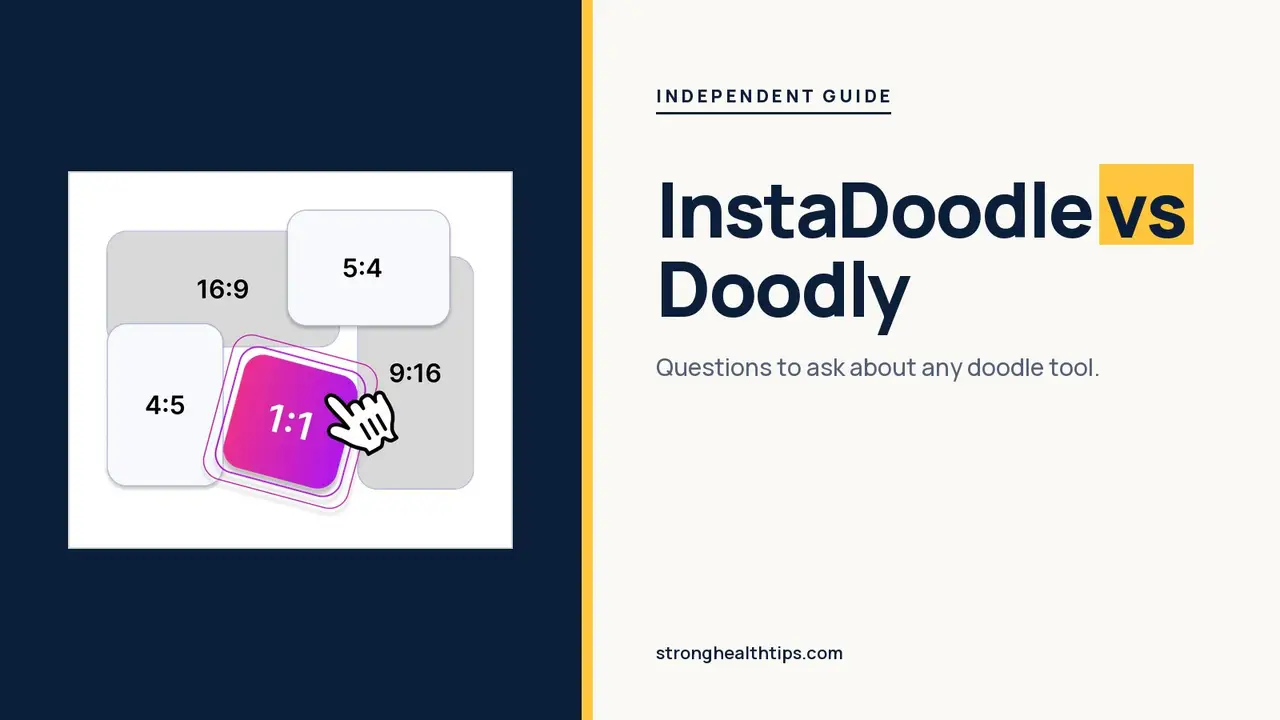
- Which export sizes and frame shapes come with the plan you need?
- Which plan carries a commercial license, and does that license cover the client work you do?
- What do the refund terms say, and does a credits rule limit them?
- Where does support go: a ticket form, a chat window or a phone line?
- What happens to your prompts and uploads, and who holds the rights to the output?
- Does the voice and music choice cover the scenes you plan to make?
Write the answers for each product in its own column, then compare the columns row by row. A school’s IT coordinator who needs onboarding clips for staff may weigh the billing and support answers most heavily. A bakery owner who needs one product clip may care most about export sizes and the music choice. Either way, a short written comparison tells you more than a headline price.
How to score the answers
Give each answer a simple mark: clear, partly clear or missing. A clear answer names the plan, the figure or the rule in plain words. A partly clear answer gives a range without saying which plan it applies to. A missing answer means you need to ask before you order. Write a short reason beside each mark in your own words, so a later reader can follow your thinking. Count the marks for each tool at the end and keep the tally next to your scene list. The tally is a starting point rather than a verdict, though, because one missing answer on something you depend on, such as the commercial license, can matter more than a strong score elsewhere.
What a fair comparison looks like
A fair comparison uses the same scene, the same budget and the same deadline for each tool. Pick one real project, such as a 60-second explainer for a class or a how-to for a counter display, and write its scene list before you open any order page. Then count how many scenes each tool would need, how many credits that might take and which export sizes the project requires. Put the same project into each column of the checklist, so the answers rest on your work rather than on a feature list.
The result is often clearer than any single headline. A tool with a lower monthly figure can still cost more for your project if the export size you need sits on a higher tier, and a tool with a higher figure can suit a team that needs the commercial license from day one.
Where InstaDoodle fits best
InstaDoodle suits people who want short drawn explainers made in a browser, with a monthly plan they can end and a clear feature list for each tier. It fits a teacher’s lesson clip, a shop’s how-to or a team’s welcome video. The InstaDoodle hub puts the three tiers side by side. A small team that already writes its own scripts may not need the Agency tier, while a team that wants the script generator should compare the Agency line directly.
The limits belong on the same page. There is no free version, so the first step is a paid plan. Credits meter the work, and the seller says the cost per action can change. AI output may not qualify for exclusive copyright protection, so review it before publishing. Live footage, screen recordings of software and long interviews call for a different kind of tool.
Right fit?
Compare on your own list
Hold the monthly tiers against your checklist, then open the order page.
Open the order pageBilling and the terms, read together
Monthly billing repeats until you end the plan, and the seller says you can cancel anytime. The 60-day money-back guarantee comes with a credits rule: a refund is not available if more than half of the included AI credits have been used. Read the InstaDoodle refund policy for the request steps, and the InstaDoodle price guide for the tier detail. Put both the billing and the refund answers in your checklist, because they shape how a monthly tool feels after the first month.
Plan your credits
Count the credits for one project
A simple scene list shows how far the included credits will go.
Compare the monthly tiersAn example scorecard
Imagine a small marketing team with three video needs: a product demo, an onboarding clip and a monthly update. Its scorecard puts the license question first, because client work depends on it, then the export sizes, then the billing and support answers. For InstaDoodle, the team can answer the license and export questions from the plan list, and it notes the credit line to confirm on the order page. For any other tool on its list, the same questions go in the same order, so the comparison stays fair. The team also notes which answers it could not find on a page, since those are the questions to send before paying. The InstaDoodle review covers the strengths and limits in one place, and the InstaDoodle hub lists the tiers side by side.
Run the checklist in one afternoon
Take one real project and write its scene list, then answer the eight checklist questions for each tool on your shortlist. Keep the answers in a plain table with one row per question. Once the table is filled in, the gaps are easy to spot: a missing commercial line, an unclear support route or an export size that sits on a higher tier than you expected. Those gaps are the useful part of the exercise, because they show what to ask before any money changes hands.
Keep the finished table with your order notes. If a tool’s terms change later, the table shows exactly which answer moved, so you can ask about that one point instead of starting the comparison again.
Ready when you are
Start with InstaDoodle
Monthly plans from $47 a month, with the order page showing the exact plan and price.
Start with InstaDoodleGood to know
Run the same checklist on any tool, not only this one. InstaDoodle processes prompts and uploads with third-party AI providers, so use material you hold rights to, check AI output before it goes live, and read the commercial terms for the plan you choose.
Questions people ask
Which doodle tool should I pick?
Run the same checklist on each product, then pick the one whose answers match your videos and your budget.
What does InstaDoodle cost?
Standard is $47 a month, Pro is $67 and Agency is $127, all billed monthly. The order page shows the exact plan and price.
How do the credits work?
Standard lists 150 AI credits. The seller says the cost per action can change, so track your usage on each project.
Is a commercial license included?
The seller lists one on Pro and Agency. Standard does not list it, so read the plan terms before paid work.
How does the refund rule work?
The 60-day money-back guarantee applies, and a refund is not available if more than half of the included AI credits have been used.
Please note. This guide is general information only, not professional, legal or safety advice. Follow local building, electrical and water rules, and use a licensed professional where the law or your safety calls for one. Prices, plans, bonuses and refund terms can change; the official order page is the final word. Full disclaimer.
Written by
Strong Health Tips Editorial Team
We research, write and fact-check every guide against current guidance from major health bodies and peer-reviewed studies, then rewrite it in plain English. How we work.