InstaDoodle Complaints: The Questions to Ask, Answered Plainly
InstaDoodle complaints: the questions worth asking before you subscribe, from monthly billing to credits, licenses, support and refunds, answered plainly.
- Author
- Strong Health Tips Editorial Team
- Published
- Updated
- Reading time
- 7 min read
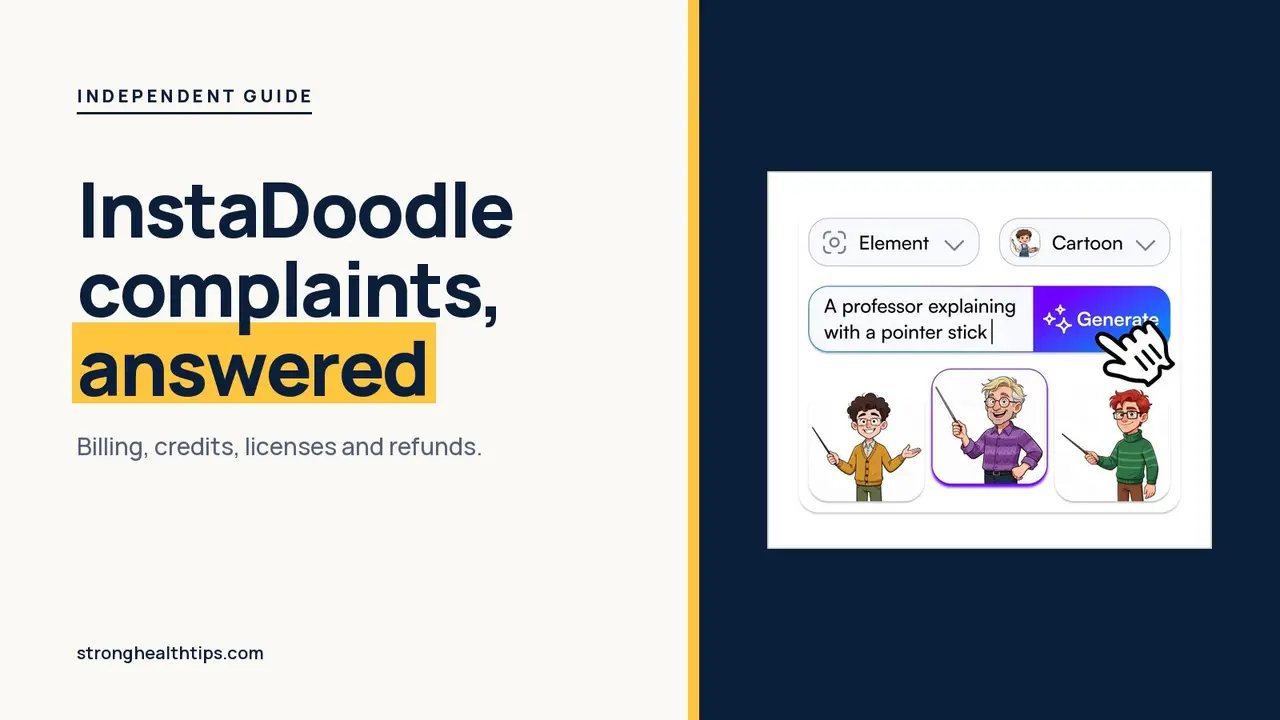
InstaDoodle complaints tend to fall into four themes: billing, credits, refunds and rights. This page works through each theme, drawing only on what the seller publishes. The goal is a clear picture before a subscription begins, so you can check fit against your workload. Every answer relies on the seller’s listed terms and plans, and where the seller leaves a point open, the text says so.
Ask first, order second
Check the plan list before you start
Monthly plans from $47 a month, with the order page showing the exact total.
See the three plansInstaDoodle complaints: the questions to ask, answered
Do I need to pay before I start? Yes. There is no free version, so the first step is a monthly tier, starting with Standard at $47 a month. The order page shows the plan and price ahead of payment.
Why does billing keep running? Charges recur each month until the subscription ends, and ending it is possible at any time, according to the seller. Ending the plan and requesting a refund are two separate steps, and past the half-credit mark the credits condition removes refund eligibility.
What happens when credits run down? Standard comes with 150 AI credits. The seller also notes that each action can cost a different amount over time, so long projects deserve a buffer. Track approximate usage for each video, since the credits condition depends on how much of the allowance has been used.
Can I recover my money? The 60-day money-back guarantee has a limit: once more than half of the included AI credits are used, no refund can be issued. Reach the help desk at help.instadoodle.com with the subject Refund Request and your account details.
Can I deliver videos to clients? The seller lists a commercial license on Pro and Agency only. Standard does not include it, so review the tier’s terms before handing over paid work.
Who holds rights to AI output? Per the seller, AI output may fall short of exclusive copyright protection. Check each scene and narration track before release, and avoid assuming exclusive rights to every frame.
What happens to prompts and uploads? The seller states that prompts, uploads and projects are handled by the seller and by third-party AI providers. Send only material you hold rights to, and keep sensitive content out of the editor.
How long does a refund take? The seller says an eligible refund goes in within 7 calendar days after it has enough information. Once more than half of the included AI credits are used, though, no refund is available, so a complete ticket keeps the process moving.
What the questions have in common
Most of these questions come down to three habits: check the monthly figure on the order page, track credits for each video and review the output before publishing. Each habit takes minutes and keeps the order transparent. Think of the three habits as a small routine rather than a checklist to memorise. Each one fits into a few minutes, and each answers a question before it can grow into a problem.
Plan the answers
Start with a plan that fits your questions
Standard from $47 a month, Pro at $67 and Agency at $127, billed monthly.
See the plan detailsBilling questions in plain steps
If a charge surprises you, work through these steps:
- Open the order page and read the tier name and monthly figure you selected.
- Compare the renewal date with the tier you meant to keep.
- End the subscription if it no longer serves you. Ending it is possible at any time, per the seller.
- Take unclear lines to the help desk, and keep the confirmation email nearby.
The InstaDoodle hub sets out the same billing lines, so compare them with what your account shows. Ending the plan and asking for a refund remain separate steps, and past the half-credit mark the credits condition rules out a refund. Run this check on the first day of each billing cycle if the subscription is busy.
Turning a question into a support ticket
Support runs by ticket at help.instadoodle.com. Keep the message brief: account email, order number, tier name and one clear question. For a refund, add the subject Refund Request and state how many credits you have used, since the half-credit limit governs eligibility. Keep the thread in one place so the history stays complete.
Ready when the questions are answered
Start with one monthly plan
Describe a scene, add voice and music and export for the screen you need.
Open the order pageCommon mix-ups to avoid
- Assuming Standard includes the commercial license. It does not, because the license is listed on Pro and Agency.
- Treating cancelling and refunding as one step. They are separate, and the credits condition sets its own limit on refunds.
- Forgetting that credits run down with use, so a light month can turn into a heavy one.
- Skipping the review pass on AI output, which leaves rights and accuracy questions open until after publication.
Limits that deserve attention
Four limits define the product, and each is manageable with planning. Credits deplete with use, and the cost per action may change, per the seller. AI output may fall outside exclusive copyright protection, so review it before publishing. Commercial rights depend on the tier, with Pro and Agency carrying the license. The plan renews monthly until you end it. Written down, each limit turns into a routine: tally credits, read the license line, review output and note the renewal date.
Three questions to ask yourself first
Before reading any answer, ask three questions. How many videos will you make each month? Will any of them reach a paying client? How much of your credit budget can you spend in the first month? Those answers point to a tier and to the sections above. One video a month may fit Standard. A yes on client work points toward Pro or Agency, which list the commercial license. A tight credit budget means fewer scenes per video and a running count as you go.
A clean first month tends to include a clear scene list, a per-video credit tally and one review pass before anything goes public. None of this takes special skill. The same three questions work again each quarter, when plans and workloads change.
Who these answers fit
These answers suit three kinds of buyer: a teacher who needs a predictable renewal date, a shop owner who needs a steady credit budget and a team lead who needs the license line settled before a client sees the video. Start with the section that matches your work. Read these answers before opening the order page and the order page before paying. When a line there differs from an answer here, follow the order page and clear the gap with the help desk. Buyers who work in bursts, such as a summer course builder, gain the most from a credit tally, while steady weekly producers gain more from a firm renewal date.
Clear before you pay
Read the monthly plan and its terms
Standard, Pro or Agency, with the license and bonus lines shown on the order page.
Check the order pagePlan terms to read before you order
- The tier name and monthly figure, from $47 for Standard to $127 for Agency.
- The credits line: 150 AI credits on Standard, with the seller’s note on changing action costs.
- The license line: commercial rights listed on Pro and Agency only.
- The bonus line: 20 Background Music Tracks under Pro.
- The guarantee line: a 60-day money-back guarantee, with a refund unavailable once more than half of the included AI credits have been used.
The InstaDoodle hub gathers these lines, and the plan-by-plan list shows the full feature set for each tier. Still unsure? The is InstaDoodle legit checklist covers the basics, and the refund steps explain how a refund request runs.
Good to know
AI output may not qualify for exclusive copyright protection, and prompts and uploads are processed with third-party AI providers. Review output before publishing, upload only what you have the rights to, and read the commercial rights for your plan.
Questions people ask
Do I need to pay before I start?
Yes. The first step is a monthly plan from $47 a month, and the order page shows the exact plan and price before you pay.
Why does the billing keep going?
The subscription renews until you cancel, and the seller says you can cancel anytime. Cancelling is separate from a refund, and a refund is not available if more than half of the included AI credits have been used.
What happens when the credits run low?
Standard lists 150 AI credits, and the seller says the cost per action can change. Keep a rough tally for each video so you know where you stand.
Can I get my money back?
The seller lists a 60-day money-back guarantee, and a refund is not available if more than half of the included AI credits have been used. Use the help desk with the subject Refund Request.
Can I use the videos for clients?
The seller lists a commercial license on Pro and Agency. Standard does not list it, so read the plan terms before you deliver a video for paid work.
Who owns the AI output?
The seller says AI output may not qualify for exclusive copyright protection, so review each scene and voice line before you publish it.
Please note. This guide is general information only, not professional, legal or safety advice. Follow local building, electrical and water rules, and use a licensed professional where the law or your safety calls for one. Prices, plans, bonuses and refund terms can change; the official order page is the final word. Full disclaimer.
Written by
Strong Health Tips Editorial Team
We research, write and fact-check every guide against current guidance from major health bodies and peer-reviewed studies, then rewrite it in plain English. How we work.