InstaDoodle Official Website: Find the Real Order Page
Find the real InstaDoodle official website and order page: the seller's domain, its help desk, lookalike sites and what the page shows before you pay.
- Author
- Strong Health Tips Editorial Team
- Published
- Updated
- Reading time
- 7 min read
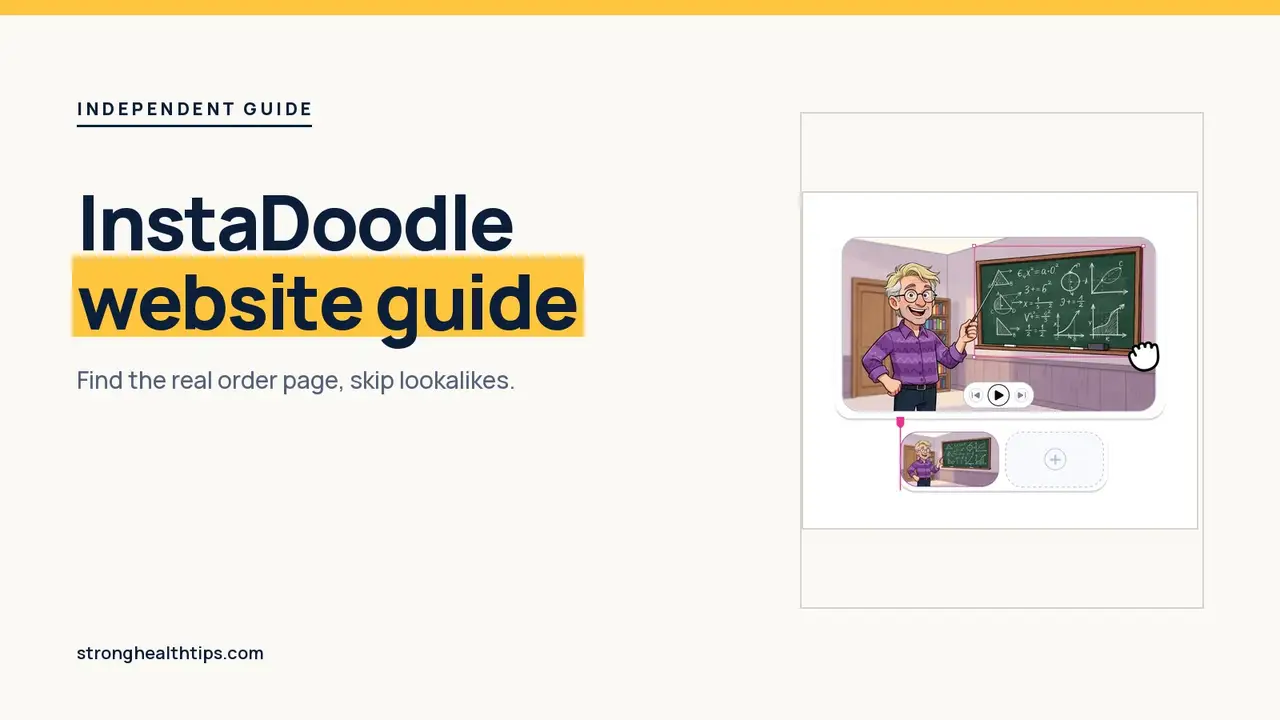
InstaDoodle official website is instadoodle.com, and that is where any order should start. This guide shows how to confirm you have landed on the genuine order page, what that page ought to display before payment and how the help desk functions once an order is placed. InstaDoodle is a cloud web app for doodle-style videos, offered on monthly tiers from $47 a month. Work through the steps below to verify each part yourself.
Start at the source
Open the real InstaDoodle site
Type instadoodle.com yourself, then compare the plan list with this guide.
Open the official order pageInstaDoodle official website: confirm the real order page
- Type the address yourself. Enter instadoodle.com directly instead of following a link from a message or an unexpected ad.
- Check the spelling. The brand is one word, InstaDoodle, with a capital I and a capital D. Support lives at help.instadoodle.com.
- Locate the three tiers. Standard ($47/month), Pro ($67/month) and Agency ($127/month) should appear, each billed monthly.
- Read the plan terms. The 60-day money-back guarantee carries a credits condition, and once more than half of the included AI credits are consumed, no refund is available.
- Save the confirmation. Keep the email you receive after ordering, because support will ask for the details it holds.
Watch for lookalike domains
Lookalike domains copy the real name with a swapped character, an added word or a different ending. Before you hand over an email address, a payment detail or a password, read the full address and compare it letter by letter with instadoodle.com. The genuine site lists the seller’s own tiers and directs you to help.instadoodle.com. The InstaDoodle hub and the InstaDoodle review share that domain, so either one works as a cross-check. Re-check the domain on each return visit, since a saved link can point somewhere unexpected.
Check the address
Compare the plans on the real page
Standard, Pro and Agency, each billed monthly, with the order page showing the price.
View the three plansWhat the order page displays before payment
The order page sets out the seller, plan and price before you pay. Scan each line in turn:
- The tier you chose and its monthly figure.
- The features listed for that tier, including the AI credit count.
- The bonus line, which the seller attaches to Pro.
- The billing terms: monthly charges that run until the plan is ended.
- The guarantee line, which states that a refund stops being available once more than half of the included AI credits are used.
The plan-by-plan list explains how the tiers differ, and it is the quickest route to matching a tier with your videos before checkout.
Why the official page matters
The order page is where seller, plan and price converge, which makes it the single place to verify every line. A page reached through a search result, a forwarded link or an old bookmark can look convincing and still lead somewhere else. Typing the official domain takes seconds and sets up the help desk route correctly from the outset. Use the official domain as the reference point for each comparison that follows. Once you know the domain, each later step, from the plan list to the help desk, is easier to trust.
A quick check for a first-time visitor
Begin with the domain, then the headline, then the plan list. Verify the three tiers at their monthly prices and look for the statement that billing is monthly. Next, find the guarantee wording and read its credits condition, which means a refund can no longer be requested once more than half of the included AI credits are spent. Finally, note the help desk at help.instadoodle.com, where refund requests take the subject Refund Request, and remember the half-credit limit.
What the official site tells you about the product
According to the official site, InstaDoodle is a cloud web app for doodle-style videos. You enter a prompt, DoodleAI draws characters, elements and backgrounds, and you arrange them in a drag-and-drop editor. Six animation types, voiceover, background music and four frame shapes come with that editor, per the seller. The named uses are training, onboarding, explainers and educational videos, so a page that matches these facts is the genuine one. A page that describes a different product is not this service. The InstaDoodle hub repeats those facts in one place.
Order from the real page
Check the three plans, then order
Standard, Pro and Agency, billed monthly, with the order page showing the price.
Open the real order pageWhen a search ad leads elsewhere
A search ad can sit above the genuine result and borrow its wording. Before you click any sponsored entry, read the domain printed under the headline and compare it with instadoodle.com. If the two differ, open a new tab and type the address yourself. The genuine site does not require a detour, so a sponsored link that sends you through extra steps is a reason to step back and check again.
Reading the address on a phone
On a phone the address bar is shorter and sometimes hidden while you scroll. Tap the bar to reveal the full domain, then read it slowly from left to right. Bookmark the official address once you have confirmed it, and open that bookmark for later visits rather than a link from an email. The same letter-by-letter check applies on a laptop, so the habit carries across devices.
Order steps in plain order
- Visit instadoodle.com yourself and keep the tab open while you compare.
- Pick the tier that suits your videos: Standard, Pro or Agency, each billed monthly.
- Read the order page line by line: seller, plan, price, bonus and license.
- Enter personal details only once the page shows the plan and price you expected.
- Save the confirmation email and order number as soon as the order completes.
Each step takes a few seconds on its own. Together they turn the order into a deliberate choice rather than a rushed click, which is the whole point of this page.
What to do if the page looks different
An unfamiliar plan, price or domain is a reason to pause before entering anything. Trust the page that matches this guide and the domain you typed, and treat any other version as unconfirmed until you can match it. Close the tab, retype instadoodle.com and compare the plan list against this guide. The order page is the last checkpoint and should show seller, plan and price ahead of payment. A page that cannot display those three details is not one to order from.
After you order: the help desk
Support runs by ticket at help.instadoodle.com. The seller says it submits an eligible refund within 7 calendar days once it holds enough information, and under its credits condition a refund is not available if more than half of the included AI credits have been used. When you write in, use the subject line Refund Request, include your account email and order number, and pause credit use while the case is reviewed. Ending the plan is a separate action from a refund, so handle each one separately.
If you are weighing other ways to reach the order page, the where to buy guide walks through the same steps.
Keep your records for support
Organised records shorten support conversations. Store the confirmation email, the order number and the account email in one folder, and keep that folder for the whole subscription rather than only the first week. Note the sign-in date, the tier name and roughly how many credits you had used when the trouble started. A short timeline speeds up the reply. If a refund ever becomes an issue, keep the full message thread, and remember that past the half-credit mark the seller’s credits condition removes refund eligibility.
Ready to order
Confirm the plan, then order
Monthly plans from $47 a month, with the order page showing the exact price.
Open the order pageGood to know
Use an address you typed yourself and keep your confirmation email. Prompts and uploads reach the seller and third-party AI providers, so share only material you hold rights to. Billing continues until the plan ends.
Questions people ask
What is the InstaDoodle official website?
The seller's official site is instadoodle.com. Type it yourself, then compare the page with the plan list in this guide.
Where is the help desk?
Support runs by ticket at help.instadoodle.com. Use it for account questions and for a refund request, with your account email and order number.
How do I spot a lookalike domain?
Read the full address in the bar and compare it letter by letter with instadoodle.com. A swapped letter, an extra word or a different ending means you are on the wrong page.
What should the order page show?
The seller, the plan, the monthly price and the features for that plan. The order page shows the seller, plan and price before you pay.
Does the official site show a refund rule?
Yes. The seller lists a 60-day money-back guarantee, and a refund is not available if more than half of the included AI credits have been used.
Can I order from another page?
Order only from the real order page you reached from the official site. Confirm the seller, plan and price on that page before you pay.
Please note. This guide is general information only, not professional, legal or safety advice. Follow local building, electrical and water rules, and use a licensed professional where the law or your safety calls for one. Prices, plans, bonuses and refund terms can change; the official order page is the final word. Full disclaimer.
Written by
Strong Health Tips Editorial Team
We research, write and fact-check every guide against current guidance from major health bodies and peer-reviewed studies, then rewrite it in plain English. How we work.