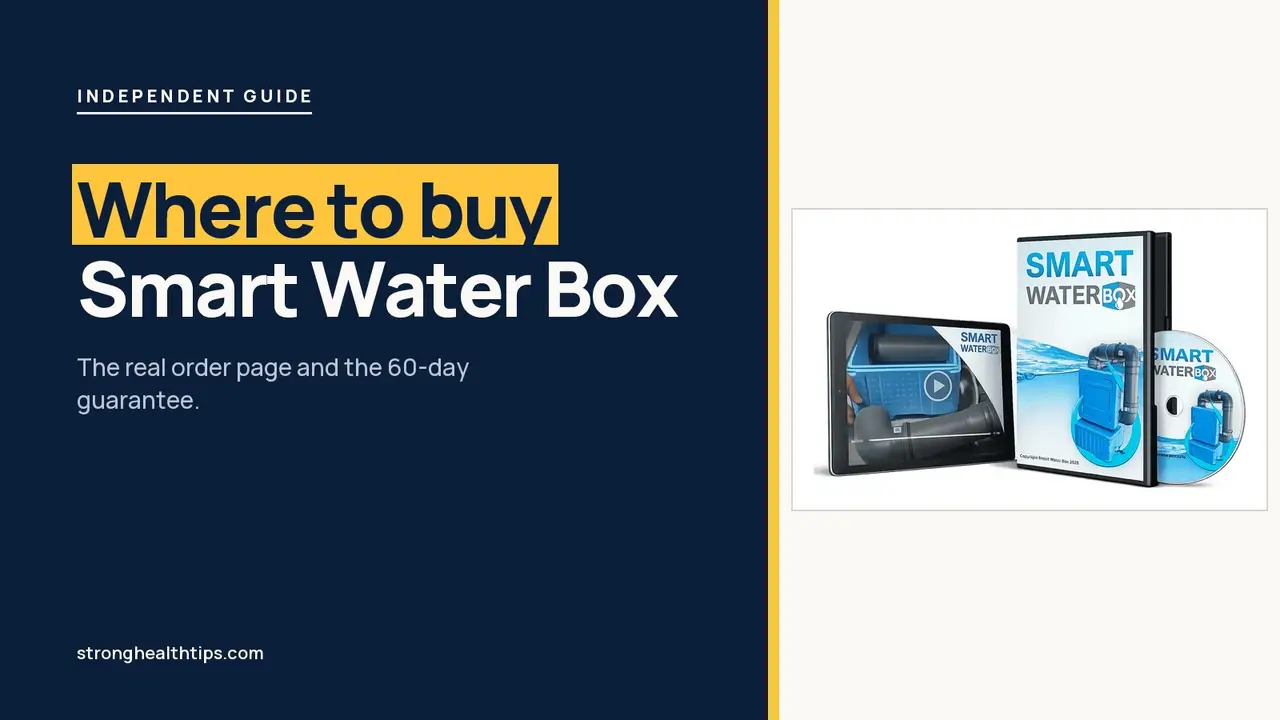
Where to Buy Smart Water Box: Order From the Real Page, Step by Step
Where to buy Smart Water Box: order through the real order page, not marketplaces or file sites, and check the price and format there before you pay.
- Author
- Strong Health Tips Editorial Team
- Published
- Updated
- Reading time
- 7 min read
Where to buy Smart Water Box? Start at the seller’s own order page, which you reach through watersmartbox.com. ClickBank runs checkout as the retailer, and the rest of this guide builds on that starting point. The main page does not show the price, the format or the guarantee wording, so the order page is where those details appear. The route you take to that page matters as much as the page itself, so the steps below show how to get there directly.
Official order page
Reach the real order page first
The current price, format and guarantee wording are displayed there.
Open the seller’s order pageWhere to buy Smart Water Box: the seller’s own route
The offer is presented through the seller’s domain at watersmartbox.com. Enter that address yourself, or follow the link on the seller’s pages, and it will lead you to the seller’s material. The order step then sends you to ClickBank checkout. The main page offers an intro video and a short message but no price, so expect one more step before any figure shows up.
ClickBank processes the payment as the retailer. The payment and the order record therefore run through ClickBank, and questions about that record belong with its order support at clkbank.com. Questions about the guide itself, meaning its contents, its format or a refund, go to the support inbox at [email protected].
The same logic applies on a phone. Open a new browser tab, type the address and avoid tapping a shortened link from a message or a comment thread. A shortened link hides its destination, which makes it a poor way to reach a checkout you plan to trust.
Why a copied link is a poor shortcut
Searching for a faster route, or following a link someone forwarded, can seem efficient. It is not always the best route. Resale listings, marketplace posts and file-sharing pages may hold details that are outdated or altered, and a copy from those sources may not match what the seller’s own page says. Such copies also lack the seller’s refund route, which leaves you with no clear way back if something goes wrong.
Only the order page brings the current price, the format, the guarantee wording and the checkout together. Those four items define what you are buying, so read them at the source. A figure from a forum thread or a file listing can be out of date before you finish reading it.
Picture a buyer who finds a discussion thread quoting one format and a different set of details. Had that buyer opened the order page directly, the mismatch would have shown up within minutes. The lesson is simple: the seller’s page is the reference, and every other source is only a pointer toward it.
Good to know
Water from a home-built unit needs treatment or a check before it is drunk, and its output shifts with humidity and temperature. Local rules and electrical safety still apply, so settle those questions before you buy any parts.
Four steps from the real page to a confirmed order
Take these steps in sequence so that nothing gets skipped:
- Enter watersmartbox.com yourself, or use the link on the seller’s pages, then continue to the order page.
- Read the price, the format, the contents and the guarantee wording on that page before entering any details.
- Compare the checkout summary against the order page, and confirm that the offer and the details match what you read.
- Save the confirmation email, write down the order details and keep the support address beside them.
Each step is ordinary on its own. Together they make certain the order you place is the one you read about.
Before checkout
Check the format and the price first
Both are displayed on the order page, so read them before entering details.
Open the official order pageTelling a lookalike page from the real one
Some pages imitate the look of an offer without being the seller’s page. These signs are worth a second look:
- A web address other than watersmartbox.com, even one that resembles it.
- Urgency banners or pressure wording that pushes you to act before you have read anything.
- A request to pay on a page outside the ClickBank checkout.
- A seller name you cannot tie back to the official domain.
If one of these appears, close the tab and return to an address you typed yourself. A brief pause keeps your order record tidy.
Give the page a little time before forming a view from first impressions. Pages that belong to a seller tend to stay consistent from section to section, using the same product name and the same support address throughout. An inconsistency is a reason to slow down and look again.
Points to settle before you pay
Treat the order page as a checklist. Before entering payment details, make sure you can answer each item from the page or from support:
- What is the current price, shown in full?
- Is the guide digital, physical or both?
- What do the bonuses include, if the page explains them?
- Does anything physical get shipped to you?
- What does the guarantee text say, word for word?
- Which email address handles support?
Take your time with this list. Bonuses and format are the points that most often need a written answer, so do not skip them. If an answer needs more detail, write to [email protected] and wait for a written reply. Keep that reply with the rest of your order record.
Next step
Work through the checklist on the order page
Price, format, guarantee and support, confirmed before you pay.
Visit the order pageAfter the order is placed
Once checkout is complete, the confirmation email becomes the key document. Jot down the date you finished checkout and the exact page you used to reach it, since that short note can save a long search later. The email lists the order details, the support route and, where the seller supplies them, the steps for getting into the material. Store it alongside a copy of the price and guarantee text you read, so the record matches what you saw at checkout.
If a refund is ever needed, the route is an email to the support address asking for a full refund under the 60-day money-back guarantee. According to the seller, refunds post in 3 to 5 business days. The refund policy post sets out the request steps, and the product hub lists the rest of the offer’s facts.
Why a single official route helps
One official route gives you one set of terms, one support address and one order record. When every detail traces back to the same source, you can match what you read against what arrives, and you have a clear document to point to if a question comes up.
The route also keeps planning realistic. The seller’s main page describes a guide and says nothing about parts, tools or a finished unit, so your build will rely on your own sourcing and your local rules. Buying from the real page does not change that, but it places the wider facts in front of you before any money moves.
There is also a practical benefit to a single channel of communication. When your questions, the seller’s replies and the order record sit in one email thread, you can scroll back and find an answer in seconds. Splitting them across a chat window, a forum and a text message makes every later question harder to settle. The what’s included page lists what the seller says comes with the offer, which is worth reading beside the order page.
For a fuller walk through the domain check, see the official website guide. The price post explains what to check on the order page before you commit, and the product hub keeps the core facts in one place for comparison.
Ready when you are
Order from the real page, and keep the record
Current figure, format and the 60-day money-back guarantee, checked on the seller’s page.
Go to the official order pageQuestions people ask
Where is the official place to buy Smart Water Box?
The seller's own order page, reached from watersmartbox.com. Type the address yourself or use the link from the seller's pages.
Can I buy Smart Water Box on a marketplace?
We would not. Marketplace listings can carry outdated details, and a copy from them does not give you the seller's refund route.
Who processes the payment?
ClickBank is the retailer, so checkout runs through ClickBank. Order support for the order record sits at clkbank.com.
How do I spot a lookalike page?
Look at the domain first. Be cautious with pages on other domains, urgent banners, or any request to pay outside the checkout.
What should I check before I pay?
The current price, the format, the contents, anything physical, the guarantee wording and the support email. Get written answers to anything you are unsure about.
What do I do after I order?
Keep the confirmation email, note the order details and save the support address. If you need a refund, follow the steps for the 60-day money-back guarantee.
Please note. This guide is general information only, not professional, legal or safety advice. Follow local building, electrical and water rules, and use a licensed professional where the law or your safety calls for one. Prices, plans, bonuses and refund terms can change; the official order page is the final word. Full disclaimer.
Written by
Strong Health Tips Editorial Team
We research, write and fact-check every guide against current guidance from major health bodies and peer-reviewed studies, then rewrite it in plain English. How we work.