Where to Buy LottoChamp: Order Page, Checkout Steps and Access
Where to buy LottoChamp: open the seller's order page through our link, check the $197 total, keep your confirmation email and sign in with instant access.
- Author
- Strong Health Tips Editorial Team
- Published
- Updated
- Reading time
- 8 min read
Here is where to buy LottoChamp in one line: the seller’s checkout page, opened from the button in this article. BuyGoods operates the checkout, and the order covers one web app at $197. Below you will find the checkout steps, the figure to verify, the record to keep and a short tour of the screen, all in order.
The order page
Open the seller’s page for the $197 web app.
Web access follows checkout, as the seller states.
Go to the seller’s order pageWhere to buy LottoChamp, step by step
The seller’s own site is thelottochamp.com. It serves as the product reference, while the purchase itself goes through the checkout behind our button. Each screen is brief, and the prompts appear as you move forward.
- Press the order button in this article to open the checkout page.
- Choose the single LottoChamp web app package, which the page lists at $197.
- Enter your contact and payment details on the BuyGoods checkout.
- Read the closing amount on the screen. It should read $197 before you confirm.
- Confirm the order, then keep the receipt email plus the order ID it provides.
- Log in through a browser to begin.
The seller says it is one payment of $197 with no monthly fees. That is the payment structure the order screen describes for this product, and the closing amount is the figure to check before you press confirm.
What the order screen shows you
Product, price and guarantee all appear on that single screen. You will see the web app described with its sign-in area and number suggestions, the $197 total and the refund window of 60 days. You will also see the access route, which is web-based and opens once checkout closes.
Read those three items on the page before you confirm. Being web-based, the item needs no delivery arrangements and no address to wait on for a box. It documents what you agreed to, which is why we send you there rather than asking you to rely on a summary alone.
Start here
One button, one order, one receipt.
Web access opens after checkout, according to the seller.
Open the checkout for LottoChampGood to know
- Lottery games are games of chance; no tool can predict numbers. Play only if you are of legal age (18+ or as your state requires) and only with money you can afford to lose.
Why use this route
Three reasons point to the seller’s page. One point: the description on that screen matches the web app you receive. Another: the refund promise follows the order placed there. The third is the confirmation email, which the checkout sends to the address you enter. Without that email and the order ID, a refund conversation has nothing to start from.
Start from the order button here, and check the order details on the page it opens. Those details are what the seller’s refund route will look at later.
Access after checkout
Access is web-based. Once the checkout confirms, the seller’s route gives you the web app and its sign-in area. You log in through a browser, and nothing else needs preparing. A phone, a tablet or a computer with a browser is enough, and the tool behaves the same whichever device you pick.
Log in with the details the seller supplies after the order. If the sign-in area does not open straight away, check the confirmation email first, since it carries the order ID you need. The the listing for this step walks through the same checkout in a shorter form.
What to keep for your records
Hold on to three items: the receipt email, the order ID and the amount you confirmed. Store them together in one folder, and keep the address you entered while paying nearby. The 60-day refund guarantee runs through a route that starts with these records. Nothing needs sending back, because the product is digital.
Our pricing breakdown lays out what the single figure buys, which helps you check the order before you pay.
Checking the total before you confirm
The total is the single number to read on the checkout. It should show $197 for the LottoChamp web app. If the amount on your screen does not match that figure, leave the checkout and look at the order button again before you go on. The checkout displays the final amount, so trust the screen over any earlier figure you saw in a list or a summary.
Before you confirm
Read the closing amount, then keep the confirmation email.
The amount should read $197 for the web app.
Begin checkout at $197Where to buy LottoChamp safely, in our view
The route counts for about as much as the product in our 3.8 out of 5 score: a single checkout, an amount you can read, a receipt email and a refund window of 60 days. Those points make the route easy to follow, and they are the reason we point you to the order screen first.
Our discount write-up makes the case for taking the $197 figure as the working price. The fact-check list runs through the same route with a list of checks, and the full product review covers the product itself. The catalog listing and the full offer page cover the same route in more depth.
Before the first click
Three small preparations make the order smoother. Pick an email address you read regularly, because the receipt email is the record you will rely on later. Have the payment method you plan to use ready, so you are not hunting for it on the payment screen. Finally, decide your budget for lottery fun before you open anything, and keep that figure in front of you while you read.
None of these steps takes long, and each one prevents a common problem. A mistyped address can send the receipt to the wrong inbox, and a rushed budget is easy to regret. A minute at the start keeps the rest of the process calm.
Reading the header of the order screen
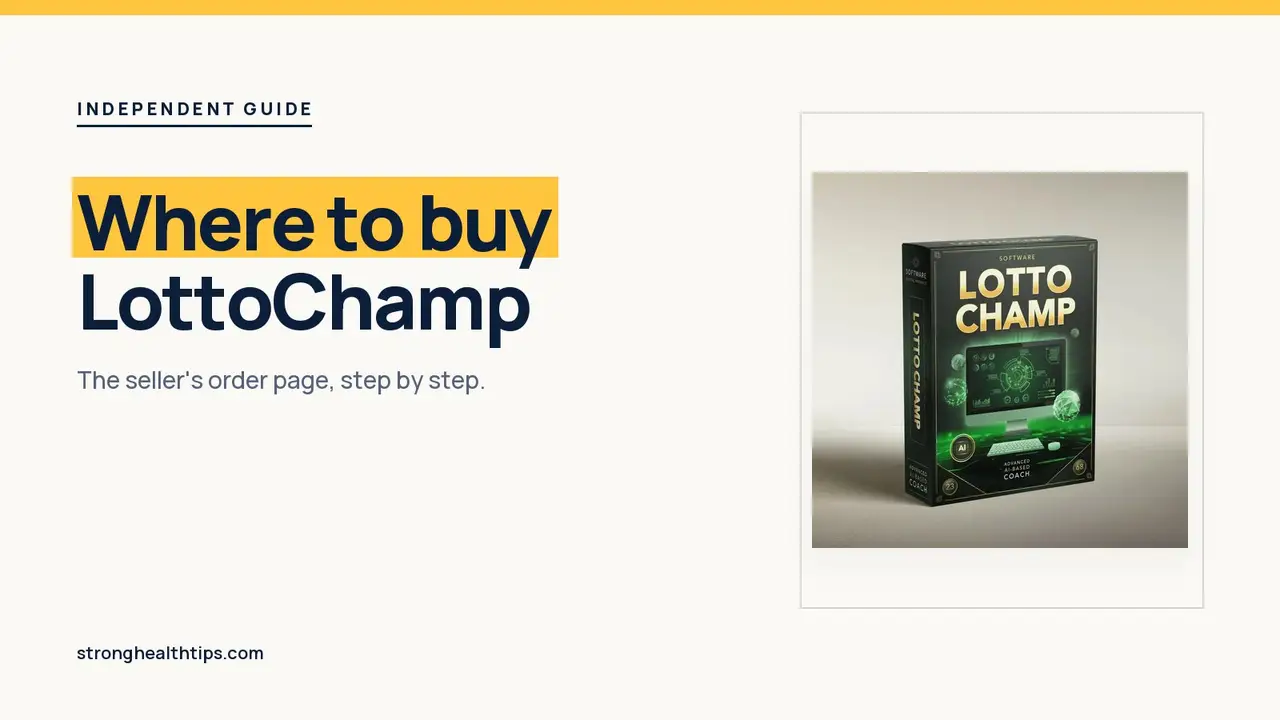
The top of the page names the product, LottoChamp, and shows the single web app at $197. Read that name carefully. The item you want is a web app with a sign-in area, and nothing else on the page should suggest a physical item. If you see a picture of a box, remember that it is product artwork, not a parcel you will receive.
Next, scan the description for three details: what the web app is, how many packages there are and the refund wording. If the wording differs from this guide, pause and compare the total before moving on.
What happens after you confirm
Once you confirm, the checkout finishes and the receipt email arrives at the address you typed. Web access is described as opening straight away, so you can log in through a browser at once. If the receipt does not appear after a short wait, check your spam folder before doing anything else. The order ID in that email is the reference for every later question about the order.
Store the email in a folder you can reopen and the order ID in a searchable note. Together they act as a receipt and a terms summary, and they are what you show support.
Common slip-ups to avoid
- Starting from a copied link that is not the order button in this article. Begin again from our button instead.
- Closing the checkout halfway and then reopening an old tab. Use the newest page the button opens.
- Typing an email address you do not check. Fix it before you confirm, not afterwards.
- Confirming before reading the total. The checkout total should match $197.
Each of these is a quick fix when you catch it early. The order page and the receipt email hold the details, so keep both in view until the order is settled.
Quick answers
Is there a physical item to collect? No. LottoChamp is a web app with a sign-in area. Where do I find my order ID? In the receipt email. What if the total is not $197? Stop, and go back to the order button in this article before you continue. Can I see the product before paying? The order page describes it, and that description is the place to read it.
Two more quick answers
Does the order page offer anything besides the web app? It describes the one package at $197 and the terms that apply to it, and nothing more is shown as a separate choice. Which record matters most later? The receipt email, because it holds the order ID that any question about the order will start from. A second look at the screen before you press confirm costs only a moment, and it confirms the details you saw earlier. Keep that habit for any later purchase as well.
The LottoChamp overview repeats the same route in summary form, so you can check it against this page.
Ready to order
Reach the seller’s order page from this article.
Check the $197 amount, then log in with web access.
Reach the sign-in area after checkoutQuestions people ask
Where do I buy LottoChamp?
Use the order button in this article. It opens the seller's order page, and the checkout runs through BuyGoods.
What does the order cost?
$197 for the LottoChamp web app. The checkout displays the closing amount before you confirm.
Is the seller's site the same as the order page?
The seller runs thelottochamp.com. The order itself happens on the checkout that the order button opens, so start there.
What do I need to keep after I order?
Keep the confirmation email and your order ID. They hold the order details you would need for a refund request.
How do I get into the product after paying?
Web access follows checkout, according to the seller. You then log in through a browser.
Not medical advice. This guide is general information and does not replace a consultation with a qualified healthcare professional who knows your history. Full disclaimer.
Written by
Strong Health Tips Editorial Team
We research, write and fact-check every guide against current guidance from major health bodies and peer-reviewed studies, then rewrite it in plain English. How we work.