LottoChamp Price: What the $197 Order Includes and Its Guarantee
LottoChamp price: $197 for instant online access to the web tool, with a 60-day money-back guarantee. See what the order includes and how to order.
- Author
- Strong Health Tips Editorial Team
- Published
- Updated
- Reading time
- 8 min read
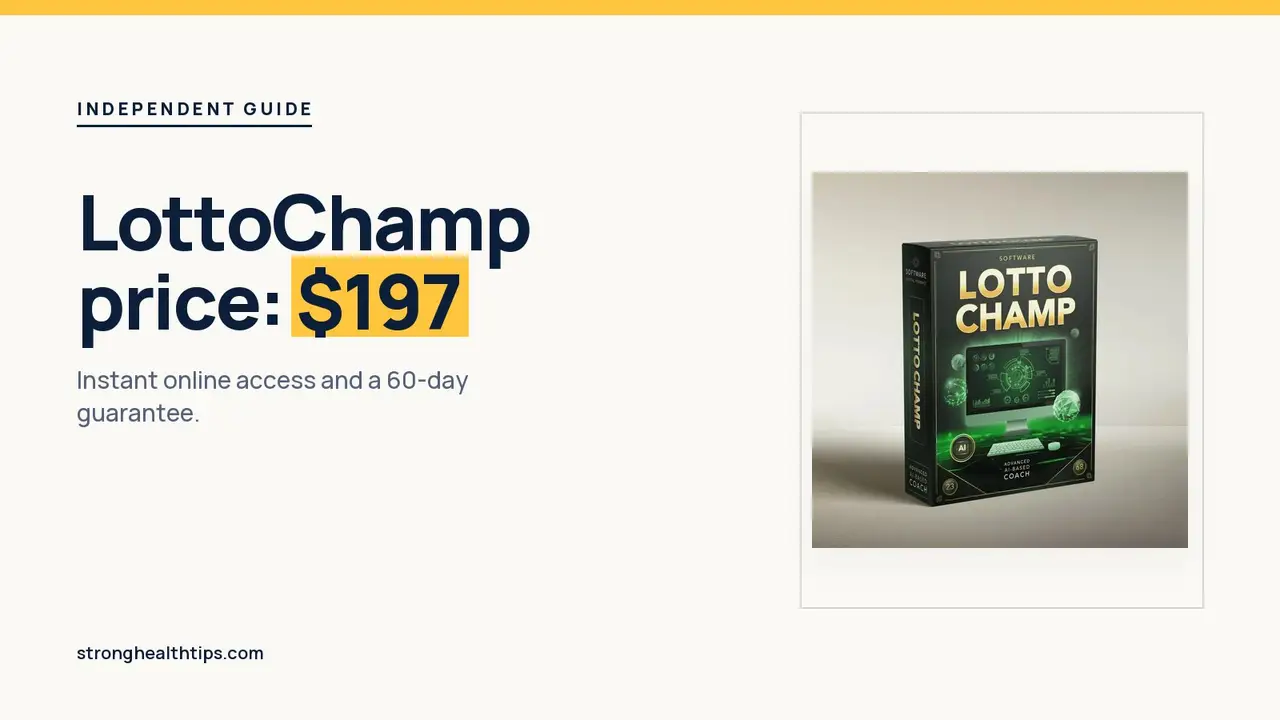
Looking up the LottoChamp price? The headline figure is $197. The $197 secures one digital item, the LottoChamp web app, which the seller presents as a number-suggestion tool with a sign-in area. Web access opens once checkout closes, and the order carries a refund window of 60 days. This guide takes the $197 apart piece by piece, so you can see what it includes, how payment is handled at checkout and what the guarantee asks of you.
The price
$197 for the web app, with access at once.
Web access starts when checkout closes.
Check what the $197 coversLottoChamp price: what the single order covers
The order is built around one product and one price. The price page does not split the purchase into add-on lines, and it offers the web app as a single order only. The seller lists four elements, which we repeat here in the sequence the seller uses:
- The LottoChamp web app, which you reach through a browser and use to enter the game, the draw date and the amount you want to spend.
- The sign-in area, where you log in before you use the tool.
- Updates to come, which the seller describes as free of charge.
- Web access the moment checkout closes.
The the catalog’s price listing repeats the $197 figure beside those same four elements, and the overview on the hub shows where the price sits in the wider offer.
How payment works on the checkout
The seller says it is one payment of $197 with no monthly fees. That is the only payment structure the order screen describes for this product. BuyGoods handles the checkout, which displays the closing amount before you confirm. Read that amount on the screen, and set it against the $197 listed here. If they differ, pause and reread the order screen.
Because the product is a web app, there is no delivery charge to add to the bill. Nothing physical is sent, so the closing amount is what you pay for the order itself. The checkout also asks for contact and billing details, and it is worth typing them carefully, because the receipt email goes to the address you give.
Checkout total
The closing amount reads $197 before you confirm.
Check it on the payment screen, then keep the receipt email.
Open the order and see the amountWhat the $197 buys you day to day
The web app is the heart of the order. The seller describes a short cycle: log in, pick the game, set the draw date and choose a budget, then check the sets the tool returns. The FAQ on the seller’s site also requests a ZIP code among those details. None of that cycle asks for a physical item, a file to fetch or a separate program, because the tool runs in whichever browser you open.
The sign-in area is where the tool lives after purchase. You come back to it each time you want to run through the routine, and the seller describes it as the one spot holding your access. Web access follows checkout straight away, so the order does not wait for anything to be mailed to you.
Updates are the last part of the order. The seller says they are free of charge, and it describes them as future improvements to the tool. We have no list of those updates to show you, so base your view on the four elements above, which are the parts the seller states plainly.
Our editorial score on the price
We put the score at 3.8 out of 5. On price alone the reasoning is straightforward. The figure is one number with nothing added, the checkout shows the amount, and the refund promise covers the whole order. The $197 is also the largest figure in the offer, so it is the first thing to weigh against what you expect from a number-suggestion web app.
Price comes down to personal fit. A reader who values a short, fun routine and immediate web access may see the figure as a fair fit. A reader after a physical item, or a different format altogether, will not find one here, and the price will look like the wrong number for that reader.
Keep it in view
The $197 order, checked and ready.
Read the closing amount, then keep the receipt email.
See the order and its closing amountGood to know
- Lottery games are games of chance; no tool can predict numbers. Play only if you are of legal age (18+ or as your state requires) and only with money you can afford to lose.
The 60-day guarantee behind the price
The guarantee runs 60 days, and it applies to the $197 order. Keep the receipt email, because it carries the order reference you would need if you ever asked for money back. The refund page on the seller’s site sets out the request steps in its own terms, so read that page before you rely on any summary, this one included.
Since the product is digital, nothing has to come back. That is the main practical difference between this order and a physical one, and it keeps the refund steps easy to follow. Short, plain guarantee terms are one reason the order scores as well as it does on our editorial scale.
Three checks before you confirm
Three checks cover most of what a price guide can tell you. First, the closing amount on the checkout should match $197. Second, the item on the order should be the LottoChamp web app with web access on completion. Third, you should have a place to store the receipt email before you finish. If any of those three fails, do not confirm until you have sorted it out.
After the purchase, open the sign-in area and explore the tool while the details are fresh. That first visit shows what the $197 bought you, and it takes a few minutes.
Where this price guide fits in our coverage
If you want the full picture, read the full product review, which covers what the tool is and how we scored it. Our note on discounts explains why the order screen figure is the one to work from. The full offer page pulls the rest of the offer into one place, so you can move between the price, the guarantee and the contents without losing your place.
Three habits carry through all of this: check the closing amount, keep the receipt email, and write the order reference down somewhere you can find it. Those three steps cover most of what you need to know about paying for LottoChamp.
Set a budget before you look at the price
A price guide works best when you already know your limit. Before you open the checkout, decide what sum you are comfortable spending on lottery fun, and keep in mind that the figure should be money you can afford to lose. Only then compare that limit with the $197 on the order screen.
If the figure sits inside your limit, the decision is simple. If it sits above it, the price is not the right fit for you, and no discount or guarantee changes that. Setting the limit first keeps the decision from being shaped by the wording on the page.
A short price test
Three questions help you test whether $197 fits your situation. The first is whether a single web app with a sign-in area matches the kind of tool you want. The second is whether immediate web access is useful to you, or whether you would rather wait. The third is whether a refund window of 60 days gives you enough comfort before you pay.
Answer yes to all three, and the price is likely a reasonable fit for your needs. Answer no to any one, and the offer may not suit you. Both outcomes are fine, and the checkout lets you walk away before any money changes hands.
Reading the closing amount
The closing amount is the number to confirm on the payment screen. It should match the $197 figure, and the checkout should not add lines that you did not expect. If you see a line you cannot explain, stop and check the order screen again from the button in this article. The closing amount is the figure you agree to, so read it slowly.
Keeping the price in view after the order
Once the order is complete, note the closing amount next to the order reference. That small habit gives you a clean record if you ever need to refer back to what you paid. It also keeps the price visible in your own notes, so you can check it against the receipt later.
A note on keeping the budget honest
Writing the closing amount next to your own limit is a simple way to keep spending in line with what you planned. The habit costs nothing, and it makes the price feel like a decision you made rather than a number you happened to see.
Ready when you are
Start with the $197 web app order.
Web access at once after checkout, with a 60-day guarantee.
Lock in web access todayQuestions people ask
How much is LottoChamp?
The order is $197 for the LottoChamp web app. The checkout displays the closing amount before you confirm.
What does the $197 cover?
The web app itself, the sign-in area where you log in, the updates the seller mentions and web access right after checkout.
Is there a monthly fee?
No monthly fee is listed on the order page. Read the closing amount before you confirm.
How long is the guarantee?
The guarantee is a 60-day money-back guarantee. Keep the receipt email you receive, since it carries your order reference.
Do I get a box or a parcel?
No. LottoChamp is a digital product. You log in through a browser, and nothing physical arrives.
Not medical advice. This guide is general information and does not replace a consultation with a qualified healthcare professional who knows your history. Full disclaimer.
Written by
Strong Health Tips Editorial Team
We research, write and fact-check every guide against current guidance from major health bodies and peer-reviewed studies, then rewrite it in plain English. How we work.