Teds Woodworking Money-Back Guarantee: How the 60 Days Work
Teds Woodworking money-back guarantee: a 60-day guarantee, how to contact the seller with your order details, and why to keep your confirmation email.
- Author
- Strong Health Tips Editorial Team
- Published
- Updated
- Reading time
- 7 min read
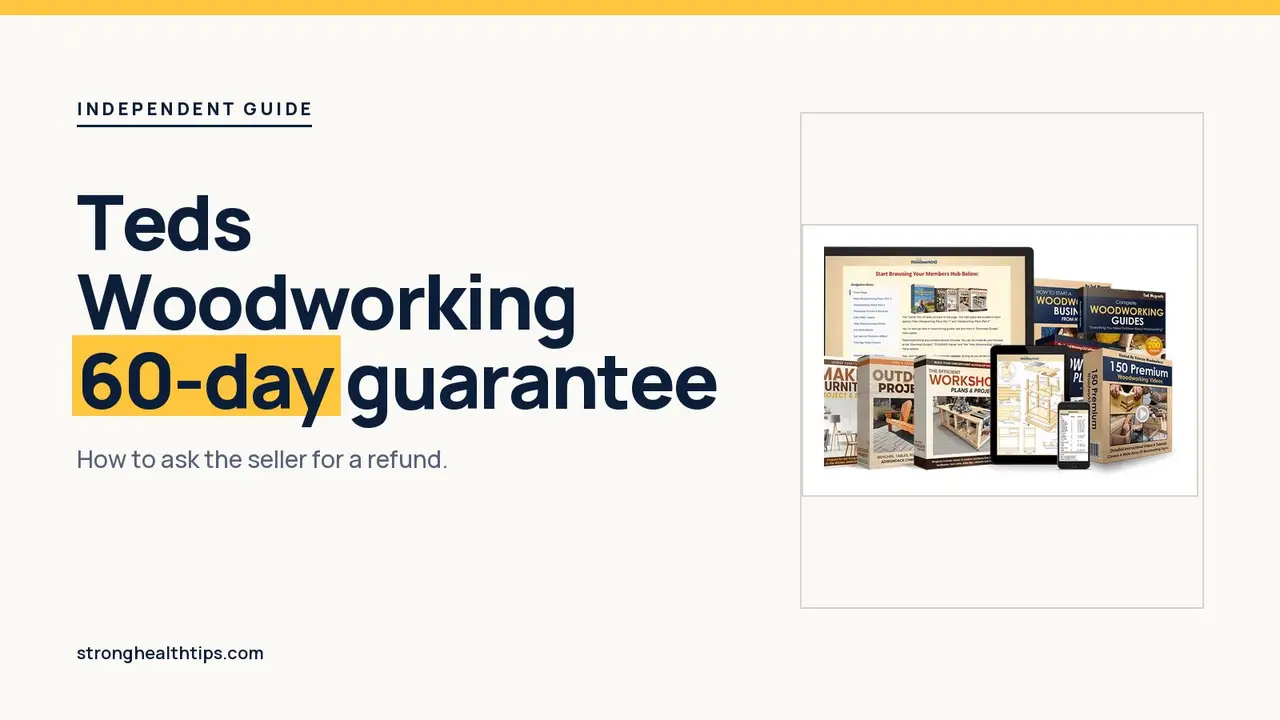
Teds Woodworking (the seller spells it TedsWoodworking) comes with a 60-day money-back guarantee, and it is one of the first points to read before you order. Here you will find what the guarantee covers, how to ask for your money back, and what to keep ready so the request goes smoothly. It also covers what the guarantee does not do, so you know where its reach ends.
Guarantee on the order
60 days, with a support route
Write to the support page with your order number, and keep the email.
Order with the 60-day guaranteeTeds Woodworking money-back guarantee: what it covers
The guarantee is a 60-day money-back guarantee on the $67 order, which is one payment. The seller states it on the order page, and it covers the order as a whole, including the plan library and the three bonuses listed with it. Because the offer is digital, there is no parcel to send back. That means the refund request is a message and a record, not a return shipment, so the steps above cover the whole process. Your request goes to the seller’s support page, and the seller handles it from there.
The guarantee is written by the seller, so read the order page for its current wording before you rely on any summary here. This guide follows that wording, and it adds the steps for asking, which the order page does not spell out in full. Read the full wording while the order page is open, and note the support route it names.
How to ask for a refund, step by step
- Gather your details. Have your order number, the address you bought with and your confirmation email within reach.
- Go to the support page. The seller’s support page has a ticket form and a members login. Use the form, since it keeps your request on record.
- Write a short request. Include your order details, and say that you are asking under the 60-day money-back guarantee. Keep the message calm and specific.
- Wait for the reply. The seller’s stated refund time is 48 hours. Keep the reply, along with the ticket or message you sent.
- Use the second route if needed. ClickBank order support at clkbank.com handles the retail side of the sale. Give it the same order details.
Each step is simple on its own. If you are unsure which address you used, check the confirmation email first, since that email carries the address on the order. The main thing is to send the same order details everywhere, so the seller and ClickBank can match your request to the right order.
Support route
Write to the seller with your order details
The support page first, then ClickBank order support at clkbank.com.
Get the plan library for $67What to put in your request
Keep the message short and factual. Name the order by its number, give the email address used to buy, and mention that the request falls under the guarantee. State what you want, which is a refund of the $67 order, and mention any step that failed, such as a login that would not open. Leave the plans and the bonuses out of the argument, since the request concerns the order and its guarantee. Those details are what let the request be matched to your purchase.
A request with those three parts is easy to follow. If the seller asks for more detail, answer each question on the same thread, so the history stays together in one place.
Keep the confirmation email
The confirmation email is the record of your purchase. The order number, the email address on the order and the details support will ask for all sit there. Save it in a folder with a clear name, and file each reply from the seller there as it arrives. Name the folder with the product and the order date, so it is easy to find in a long list.
A short folder with three items is enough: the confirmation, the request you sent and the reply. If the email is in a spam folder, move it to your main folder now. A guarantee is only as useful as your ability to find the order details when you need them. The TedsWoodworking hub also sets out the guarantee next to the order details, if you want to review them before you write.
What the guarantee does not do
The guarantee refunds the order. It does not supply wood, hardware, finishes or tools, and it does not stand in for a tool manual or for local building requirements on a shed, a deck or another structure. Nor does it tell you whether a plan fits your workshop. Those points are worth weighing before you order, because they stay the same whether or not you ever ask for a refund.
Honest limits matter here too. The seller says most plans need a table saw, a drill, clamps and a sander, and those tools are your responsibility. The library gives you plans and bonus material. It does not give you a teacher who checks each cut. A refund route is a sound thing to have, but it is not a substitute for reading the plan, checking the tool list and following the safety notes on each project.
If the reply is slow
A stated refund time of 48 hours is the yardstick, so a longer delay is worth a follow-up. Reply on the same ticket, with your order details at the top, rather than opening a new one. A single thread keeps the history in one place, which helps anyone who picks up the case. If the seller does not answer through its support page, ClickBank order support at clkbank.com is the backup, and it asks for the same details.
How the guarantee fits the rest of the offer
The guarantee sits next to a clear price, $67 in one payment, and a library that the seller says is searchable by category and skill level. Its usefulness to you depends on how you plan to use the library. A builder with a few projects in mind will get more from the search than someone who wants a single plan, and the guarantee is the written route the seller provides, in its own terms, for the order itself.
If you are still comparing routes, the free plans comparison sets out what a free download does and does not offer. The Teds Woodworking price post explains the $67 figure in more detail, and the TedsWoodworking hub shows the offer beside the guarantee.
Questions to have answered before you ask
Do you have the order number and the email address you used to buy? Is the confirmation email saved in one folder? Do you know the support page address you will use? Do you know that ClickBank order support at clkbank.com is the second route? If you can answer yes to each one, a request will be easier to follow and easier to match to your order. Taking five minutes to find the confirmation email before you write saves a second message asking for details you already have.
Plans and guarantee
Searchable plans, 60-day guarantee
The library, the bonuses and the support route come for $67 in one payment.
Start the plan searchThe what is Teds Woodworking post explains the library step by step, and the what’s included page lists the items that come with the order.
Ready when you are
Order the plan library for $67
One payment, three bonuses, and the 60-day guarantee.
Order the plan libraryGood to know
Per the seller, the plans are not designed to satisfy any building code, so local rules come first before a shed, deck or other structure. Each tool’s manual and the eye and ear protection it calls for still apply, whatever the guarantee says.
Questions people ask
What is the Teds Woodworking guarantee?
A 60-day money-back guarantee on the $67 one-payment order, as the seller states it. It covers the order as a whole.
How do I ask for a refund?
Contact the seller through its support page with your order details, and say that you are asking under the 60-day money-back guarantee. Keep a copy of what you sent.
How fast is a refund?
The seller says it refunds within 48 hours.
Can I use ClickBank for a refund?
Yes. ClickBank is the retailer, and its order support at clkbank.com is the second route. Have your order number and the email address you used to buy ready.
What do I need to have ready?
Your order number, the email address you used to buy, and the confirmation email. Keep all three in one folder before you write.
Does the guarantee cover the bonuses?
The guarantee covers the order, which includes the plan library and the three bonuses the seller lists with it. Your order page shows exactly what your purchase includes.
Please note. This guide is general information only, not professional, legal or safety advice. Follow local building, electrical and water rules, and use a licensed professional where the law or your safety calls for one. Prices, plans, bonuses and refund terms can change; the official order page is the final word. Full disclaimer.
Written by
Strong Health Tips Editorial Team
We research, write and fact-check every guide against current guidance from major health bodies and peer-reviewed studies, then rewrite it in plain English. How we work.