Teds Woodworking Bonuses: The 3 Extras That Come With the Plans
Teds Woodworking bonuses: a DWG/CAD plan viewer, 150 premium videos and complete woodworking guides come with the $67 plan library. Covers shown inside.
- Author
- Strong Health Tips Editorial Team
- Published
- Updated
- Reading time
- 7 min read
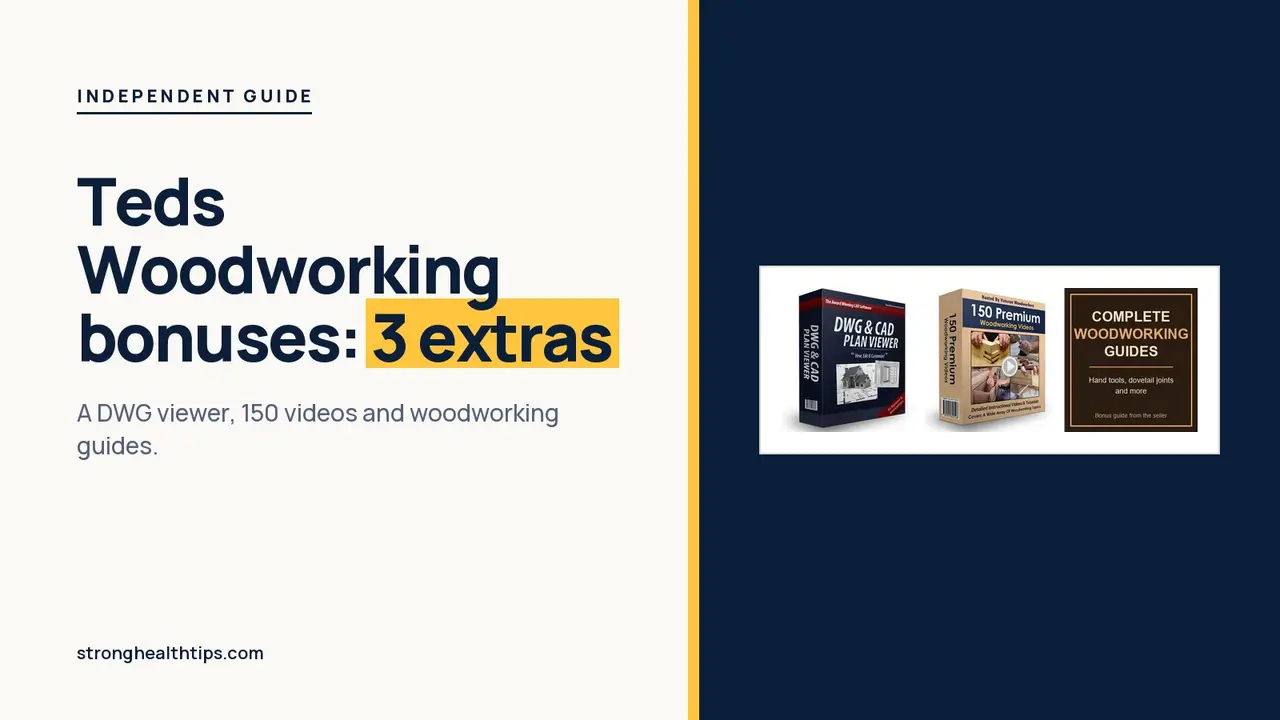
The Teds Woodworking bonuses are three extras that arrive with the plan library, and they answer a different need from the plans themselves. Teds Woodworking (the seller spells it TedsWoodworking) pairs a searchable library with a DWG viewer, video lessons and written guides. This post explains what each bonus is, how it can help a build, and what it leaves out, so you know what the one payment of $67 includes.
Three bonuses included
Plans, viewer, videos and guides
The DWG viewer, 150 videos and woodworking guides come with the one payment of $67.
Get the plans and 3 bonusesTeds Woodworking bonuses: what each one does
The seller lists three bonuses, and each has a cover you can see on the seller’s page. The row below shows the three covers side by side, so you can match each name to its item before you order.
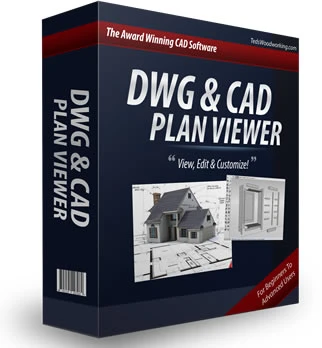


DWG/CAD Plan Viewer
Some plans in the library come as DWG files, which is a drawing format used by CAD software. The seller says the DWG/CAD Plan Viewer is needed to open those plans, so it is the bonus that makes the DWG files usable without a separate drawing program. If you do not plan to use DWG files, the viewer matters less, and the PDF plans open in any free reader.
Install the viewer before you download a DWG plan. That order avoids a moment at the bench where the file is ready and the program is not. If you already use CAD software that opens DWG files, you may not need the viewer, but check that before you rely on your own program.
150 Premium Videos
The seller lists more than 150 premium videos, hosted by veteran woodworkers. They are woodworking video lessons, so they show a movement that a written step can only describe, such as how a board is held steady or how a joint is marked before the cut.
A video is a companion to a plan, not a replacement. Watch at your own pace, and pause at the step you need, so the lesson fits the shop day rather than the other way round. It shows a technique, but it does not measure your work. Check each cut against the cut list in the plan, and use the video to see the movement before you make the cut on scrap wood.
Complete Woodworking Guides
The seller says the guides run to over 200 pages and cover hand tools and dovetail joints. Written guides suit the reading you do before a build, when you want to understand a tool or a joint in full. The hand tool section is the one to read before a project that calls for hand work, since it covers the tools you will need to pick up and set down.
Dovetail joints are a common next step for builders who have learned simpler joints, so the guide is useful when a plan calls for one. A guide like this is most useful when you read it beside the plan, because the page explains why a joint is cut the way it is, while the plan gives you the sizes. Read the section before the build, and keep the page open while you work.
How each bonus fits a build
The table sets the three bonuses against the job each one does. Read it next to the plan you have open, so you can see which extra fills a gap in your own project.
| Bonus | What the seller says | Where it helps in a build |
|---|---|---|
| DWG/CAD Plan Viewer | Needed to open DWG plans | Reading a drawing file before you cut |
| 150 Premium Videos | Woodworking video lessons, hosted by veteran woodworkers | Seeing a technique before you make the cut |
| Complete Woodworking Guides | Over 200 pages on hand tools and dovetail joints | Learning a tool or joint before a project |
Bonuses with the plans
Plans first, bonuses alongside
Searchable plans with cut lists, plus the viewer, videos and guides.
Browse the plans todayAre the bonuses part of the $67?
The seller lists the bonuses with the plan library for one payment of $67. No separate price is shown for the bonuses on the offer, so the bonuses are part of that one payment. The order page is the final word, and it shows exactly what your purchase includes, so read its list before you confirm. A bonus is only useful if it arrives with the plans you chose, so the list is worth a minute of your attention. If a bonus you expected is missing from that list, write to the seller’s support page with your order details before you rely on it.
If the list on the order page does not match the three bonuses named here, stop and check the difference with the seller’s support page before you pay. You can start from the what’s included page, which lists the bonuses with their covers.
What the bonuses leave out
The bonuses do not supply wood, hardware, finishes or tools. The order page states the seller’s terms for the bonuses, so read those terms before you confirm. The viewer opens DWG files but does not draw them for you. The videos and guides explain technique, but they do not check your work or give you a teacher at the bench. The plans remain the core of the offer, with cut lists and materials lists for each project.
Honest limits are worth noting next to each bonus. The viewer does not replace a full CAD program if your work depends on custom drawing, and the videos show technique rather than a finished plan, so the plan itself stays the reference. A bonus cannot stand in for a tool manual, and it does not change the local building rules that apply to a shed, a deck or any other structure. Keep those rules in view while you work through the videos and guides.
A first week with the bonuses
Day one is for reading. Open the guides and read the hand tool section, then open the viewer and confirm that a DWG plan opens on your computer. The TedsWoodworking hub lists the bonuses beside the library, so you can match each one to what you have.
Day two is for watching. Pick one of the videos that matches the first plan you will build, and watch it with a notebook beside you, so you can write down the steps you want to repeat at the bench.
Day three is for the first cut. Mark the parts from the cut list, make a practice piece from scrap wood and check each dimension against the drawing. Only then start on the finished boards. Plans reward patience, and the bonuses make the first hours easier to plan.
Video and guides
Start a build with the bonuses
The DWG viewer, 150 videos and guides sit beside the library for one payment of $67.
Start the first buildBonuses next to the plans
The plans and the bonuses work best as a pair, and the TedsWoodworking hub shows them together. Open a plan, read the materials list, then check the guide on any hand tool the plan calls for. Watch the video for the joint or cut that feels unclear, and return to the cut list before you start. That order keeps the plan at the centre of the work, with the bonuses in support.
For the price side of the offer, read the Teds Woodworking price post, which shows the $67 figure and the guarantee in one place. The what is Teds Woodworking post walks through the library from the first login to the first plan.
Ready when you are
Order the plans and 3 bonuses
One payment of $67 with the plan library, the viewer, the videos and the guides.
Order the plans and bonusesGood to know
The seller says its plans are not made to meet any building code, so check your local building department before a shed or other structure. Video lessons and guides do not replace each tool’s manual, and eye and ear protection still applies at every cut.
Questions people ask
What are the Teds Woodworking bonuses?
The seller lists three: a DWG/CAD Plan Viewer, 150 premium woodworking videos and complete woodworking guides. They come with the plan library.
Do the bonuses cost extra?
The seller lists them with the library for one payment of $67. Check the order page, which shows exactly what your purchase includes, before you confirm.
What does the viewer do?
It opens the DWG plans in the library. The seller says it is needed to open DWG plans, so install it before you download one.
Are the videos step by step?
The seller describes them as step-by-step woodworking video lessons, hosted by veteran woodworkers. They work well alongside a written plan, because a video shows a movement that a sentence can only describe.
What is in the guides?
The seller says the guides cover hand tools and dovetail joints, and that they run to over 200 pages.
Do the bonuses replace the plans?
No. The plans carry the cut lists, materials lists and exploded views, and the bonuses support them with a viewer, lessons and written guides.
Please note. This guide is general information only, not professional, legal or safety advice. Follow local building, electrical and water rules, and use a licensed professional where the law or your safety calls for one. Prices, plans, bonuses and refund terms can change; the official order page is the final word. Full disclaimer.
Written by
Strong Health Tips Editorial Team
We research, write and fact-check every guide against current guidance from major health bodies and peer-reviewed studies, then rewrite it in plain English. How we work.