My Shed Plans Complaints: The Questions to Ask, Answered Plainly
My Shed Plans complaints: the questions worth asking before you order, from large downloads and permits to support and refunds, each with a plain answer.
- Author
- Strong Health Tips Editorial Team
- Published
- Updated
- Reading time
- 7 min read
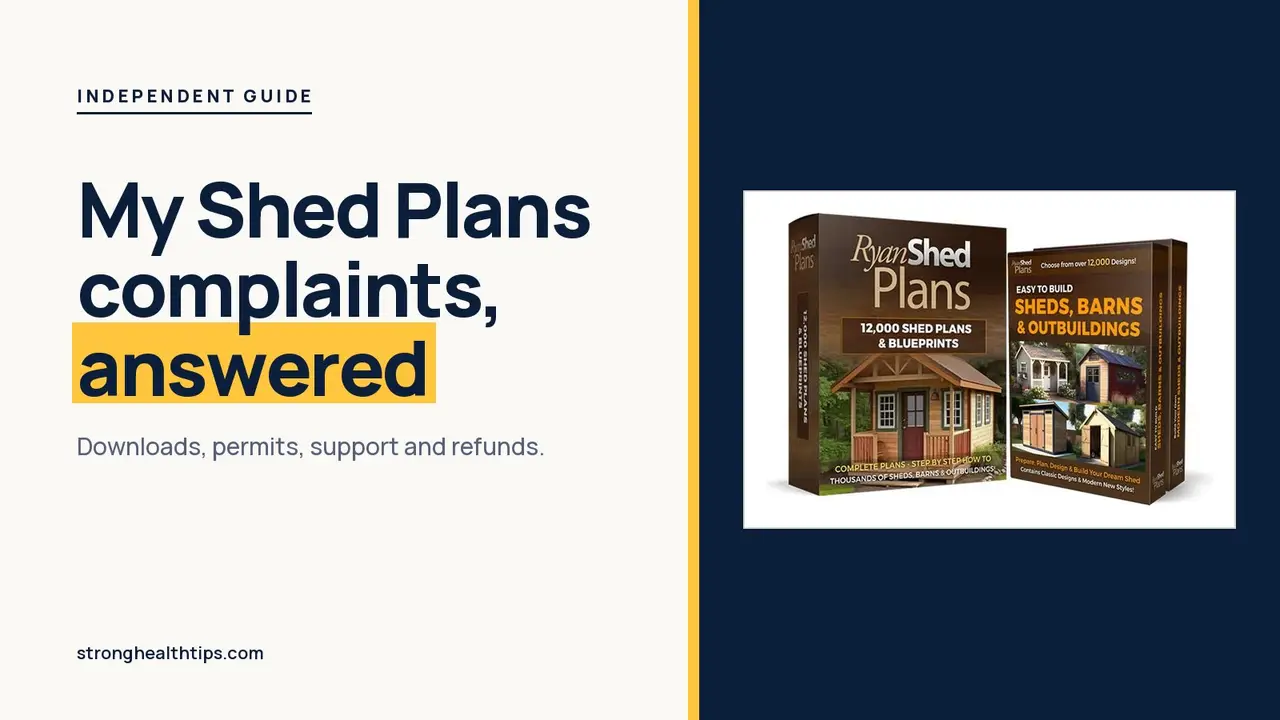
If you are looking into My Shed Plans complaints, the questions that matter are practical ones: how big the downloads run, which reader opens them, what your local rules require, how support answers and how a refund works. This guide takes each in turn and gives a plain answer, so you can settle them before any money changes hands.
Ask the practical questions
See what the library holds
Plans, materials lists and cutting lists, with a 60-day guarantee.
Look at the libraryMy Shed Plans complaints: the download questions
Plans arrive as zip files of PDFs, and the zips are large. The seller notes that downloads can take a good while, so start on a steady connection with spare time in hand rather than minutes before you need a sheet. A single PDF may hold several blueprints, which makes the search inside the reader worth learning early. A free reader such as Adobe Acrobat Reader opens every file. The what’s included page lists the formats in catalog form, while the PDF guide covers reading and printing in more depth.
Permits and local rules
No plan in the library stands in for a permit. Your local building office sets the permit thresholds, maximum sizes, setback distances and foundation requirements for your lot. Take the plan’s outline to that office before buying lumber. A shed is a structure, so treat those rules as part of the build from day one. A layout that suits flat ground may not suit a slope, and your site survey shows which applies.
Read before you order
Read the price, bonus and guarantee lines
Price, guarantee and support route, all on one screen.
Open the order pageSupport and refunds
Support runs through a ticket form on the seller’s site. Describe the problem, quote your order details and keep a copy of what you send. The desk keeps weekday hours, from 8am to 6pm Monday through Friday, according to the seller, so an early-day ticket has the longest window to be answered. Refunds come through the 60-day money-back guarantee, requested through the same desk. Keep the confirmation email in a folder with the order number at the top. If the seller’s route stalls, ClickBank’s order desk at clkbank.com handles payment matters. The money-back guarantee post walks through the steps. A ticket that sets out what you did, what the screen showed and what you need next usually reads faster than a long story.
Fit, size and custom plans
If the drawing you find is close but not exact, the custom plan request form in the members area may help. You enter the shed’s dimensions and outline, and the team drafts a custom plan within two weeks or less, the seller says. A 10 by 12 workshop with the door on the wrong wall is a clear case where that form earns its place. The My Shed Plans hub shows the product in full.
A near-miss plan is often quickest to fix through the custom form. The route also works for a wider or narrower footprint than the library shows, as long as you describe the outline accurately. Measure the shed twice, sketch the outline on graph paper and mark the door and window positions. A clear sketch speeds the answer and helps the team draft around your site rather than around a guess.
Size it first
Start with your shed size
Search the library for your outline, then request a custom plan if none fits.
Search the shed plansDownload space and folders
Plan a little storage before the first download. Archives that hold drawings, 3D views and photographs take up real room, so check that the drive you use has space to spare. Unzip each shed into its own folder and keep the original archive until the copies are safe. A simple layout named by shed style makes the search quicker when the next project starts, and it keeps the set of PDFs easy to find months later.
Printing and reading the sheets
Open the PDF and check the print setting before you print. Choose actual size or 100 percent scale rather than fit to page, so the dimensions on the sheet hold true. Print the materials list and the cutting list on their own pages if your printer allows, and keep one copy at the bench. Use the search to jump to a dimension or a part name rather than scrolling. If a sheet looks soft on screen, zoom in before printing, and compare the page count against the sheets listed in the zip. Printed pages also make a handy reference while you work, so keep a clean copy at the bench.
Materials and budget questions
The $37 does not buy lumber, hardware or finish. The materials list sets the rest of the budget, so price it at your local yard before you cut anything. If the list calls for a tool you lack, weigh renting against buying, and read the tool manual before the first use. Keep a running total on the back of the printed list. A project stays on course when money is tracked line by line, and the library price is only the first entry in that tally. If you buy lumber in one trip, ask the yard whether it will cut parts to length, since some cut lists are easier to hand over at the counter.
Questions to put to the seller directly
Four common questions, each with a clear route:
- Which plan holds my size? Start with the search in the members area and the PDF search inside each file.
- A zip will not unpack. Describe the file name and your browser in a ticket, with your order details.
- My size is not listed. Use the custom plan request form, which drafts a plan within two weeks or less, per the seller.
- I want a refund. Send the request through the support desk with your order details and your confirmation email.
Timing and refund questions
Refund questions are easier to settle when the record is clear. Write to the support desk as soon as a problem appears, quote the order details and keep copies of every reply. A dated record makes the thread easy to follow, whatever stage the request has reached. Before you write, jot down the file in question, the step you were on and the exact message on screen. Specific questions get specific answers and save a round of back and forth.
How to check these questions yourself
Put each question to its source. Open the order page and read the price, the bonuses and the guarantee. Confirm the file formats on the product pages and check that you own a PDF reader. Call your local building office with your site and outline. If an answer is still unclear, write to the seller’s support desk with your order details, and the team can answer from the account side. If one file misbehaves, note its name and size, which helps the team trace the problem quickly. The hub page is a good place to start before you write.
Honest limits
- Downloads are large and need a steady connection.
- Plans need a PDF reader, and some files hold several sheets.
- Permits, setbacks and foundations depend on your location.
- Support answers arrive by ticket during help desk hours.
- Lumber, hardware and tools are not included in the $37.
Ready when you are
Settle the questions, then order
One payment, four bonuses and a 60-day money-back guarantee.
Get the shed plans todayGood to know
Before any framing starts, check with your building office about paperwork, size caps, boundary distances and footing requirements. Call 811 before digging, read the manual for every tool, and wear eye and ear protection. Heavy wall frames and roof parts are a two-person job.
Questions people ask
Which questions should I ask before ordering?
Downloads, the PDF reader, your local permit rules, how support answers and how a refund runs. Each has a plain answer in the sections above.
Why are the zip files so big?
Each zip carries full drawings, 3D views and photos for many plans. The seller notes the downloads can take a while, so start early on a steady connection.
Do I need a special program to open the plans?
A free PDF reader such as Adobe Acrobat Reader opens them. The search inside the reader helps when one file holds several blueprints.
What if my shed does not match a plan?
Use the custom plan request form in the members area. You give the shed's dimensions and outline, and the team drafts a custom plan within two weeks or less, per the seller.
How do I ask for a refund?
Use the seller's support desk with your order details, and keep your confirmation email. ClickBank order support at clkbank.com is the backup route.
Who signs off on the permit?
Your local building office. A plan is drawings and lists, and it does not replace a permit or the inspections your area requires.
Please note. This guide is general information only, not professional, legal or safety advice. Follow local building, electrical and water rules, and use a licensed professional where the law or your safety calls for one. Prices, plans, bonuses and refund terms can change; the official order page is the final word. Full disclaimer.
Written by
Strong Health Tips Editorial Team
We research, write and fact-check every guide against current guidance from major health bodies and peer-reviewed studies, then rewrite it in plain English. How we work.