Energy Revolution System Official Website: Find the Real Order Page
Find the real Energy Revolution System official website and order page: the seller's domain, its video sales page, lookalike sites and what the page shows.
- Author
- Strong Health Tips Editorial Team
- Published
- Updated
- Reading time
- 7 min read
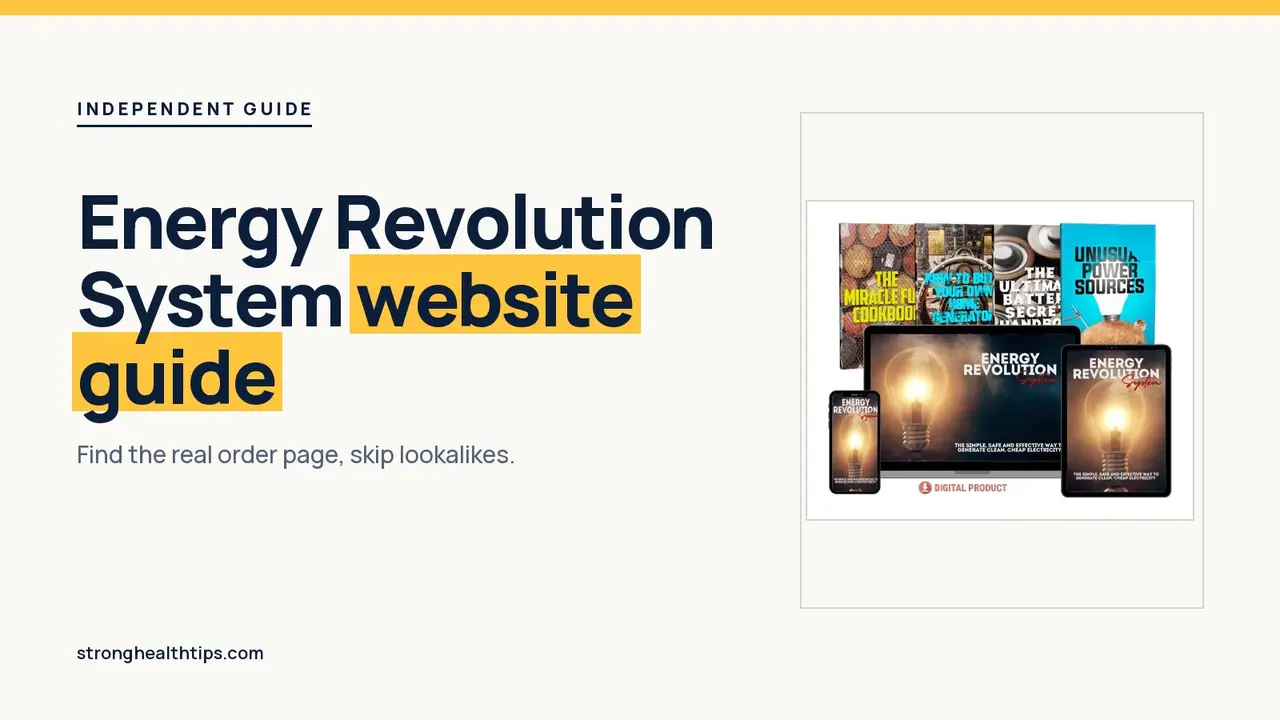
Finding the Energy Revolution System official website is the first job, and this post shows how to do it with confidence. The seller’s domain is theenergyrevolution.net, and the sales video and order route start there. Knowing which address you are on, and which checkout it leads to, is the simplest way to avoid a lookalike that imitates the offer.
Find the real order page
Check the address, retailer and refund route
A $39 guide by download link, with 60 days of refund terms.
Go to the order pageEnergy Revolution System official website: how to confirm it
Four checks cover most of it. Run them before entering payment details.
- Read the address. The domain is theenergyrevolution.net. Type it yourself or open it from a source you already trust, and match the spelling. Extra words, a different ending or a swapped letter mean it is not the seller’s domain.
- Follow the checkout. ClickBank handles the sale as retailer, and the statement line should read
CLKBANK*EnerRevolution, per the seller. - Watch for the confirmation message. The download link arrives by email from ClickBank, and the refund steps sit on the seller’s refund page.
- Compare the price. The guide is $39 in one payment. A page quoting a subscription, another structure or a bundle of unrelated products is not the order described here.
None of these checks needs technical knowledge. They ask for reading, comparing and a short pause, the same habit you would bring to any online order.
What the video sales page shows, and what it leaves out
The video sales page presents the guide with footage and a spoken pitch. It leaves out the contents, parts and cost. Anyone wanting a materials figure has to wait for the download, where the materials list lives. The what’s included page describes the download in detail.
That gap matters before you click through. The download holds a beginner quick-start guide and a materials list, the closest thing to a plan you will see before paying. Keep the official page open, then compare it with the materials list after the file arrives.
Stay on the domain
Start from the seller’s own address
Compare the retailer, the price and the refund wording before you pay.
Check the order flowSearching safely for the seller
Search results can put ads and copies near the top, so the first hit is not always the seller. Read the full address under each result and compare it with the domain in this post. If a page asks you to install extra software, a browser add-on or an unexpected file before showing the order, close it. After you have confirmed the address, bookmark it and use the bookmark for your research.
Search pages can also surface older copies, saved snapshots or pages that name the seller without linking its domain. When a page is unclear about where the order is taken, close it and return to the domain you typed. Good habits protect your inbox too. A genuine order email arrives after checkout, so an unexpected message asking you to confirm card details deserves a second look before anything is clicked.
Watching the video page with the order page open
The video page presents the offer, so treat it as a presentation rather than a manual. Learn the basic promise there, then go to the download for detail. Keep a notepad beside you and write down the price line, the refund line and the retailer name. Check each one against the order page before paying. The video sets its own pace, so pausing it to read the order summary separately is sensible.
Lookalike sites and third-party pages
Pages on marketplaces, file-sharing sites and third-party download hubs are not the seller’s order page. A copy taken from such a page may differ from the guide described here, and it will not carry the seller’s refund route. If a page asks for card details while naming another seller, close it and begin again from the real domain.
Lookalikes are often built to resemble the original. Compare the domain, the price, the retailer name and the refund wording. A genuine order matches all four, and a page that gets one wrong calls for another look, not a quick purchase. Some copies reproduce the layout and bonus list but alter the checkout, so look at where the payment form sends you and which retailer’s name appears. If ClickBank is not the retailer, the page is not running the order described in this post.
Ready for the order page
Energy Revolution System, $39
One payment, a download link by email and refund terms of 60 days.
Open the real order pageTelling the refund route from a copy
The refund route is the easiest thing to lose when you buy from a copy. The seller’s own pages set out the steps in full: the email to send, the details to include and the subject line Refund Request. A copy may show another contact, other steps or none at all. Compare what you see with this post, and keep the steps saved beside your order number. If the two do not match, put your questions to the seller’s help channel before relying on any refund promise. Sending a request to a contact found on a copy page only makes the paper trail harder to follow, so stick to the steps the seller publishes.
Why the official page matters for refunds
The 60-day money-back guarantee applies to the seller’s own order. To start a refund, write to the seller with your full name, your order number and the subject Refund Request, and hold on to your confirmation email. If you bought through another page, that route may not be the one that applies, and the steps will not match what you hold.
The guarantee covers the purchase, not parts bought later for a project, since those costs never reached the seller. A request is simpler when the steps you followed match the seller’s refund page, so keep that page’s address with your order number.
What to bring to the order page
Have three things to hand: the domain written on paper or in a note, the price line from this post, and a list of questions. With those beside you, the order page becomes a checklist rather than a sales presentation. If an answer does not match what you wrote down, pause and look again before continuing.
A short routine for the order day
Open a fresh browser tab on the day you plan to buy. Type the domain yourself instead of trusting a link. Compare the price line with $39, then read the upgrade notice and the refund wording. Save the confirmation email and the order number somewhere you can find them. Those steps take a few minutes and leave a clean record to compare later.
If something does not match the routine, leave the page and return later. Nothing about the offer demands a rushed purchase, so a pause costs you nothing.
Ready to order from the real page
Start with the $39 guide
Single payment, download by email, and refund terms of 60 days.
Place the orderWhy the domain matters more than the design
A video page can look polished on any domain, and a clean layout tells you little about who runs the checkout. The domain, the retailer name and the refund route are the parts you can verify, which is why this post keeps returning to them. Treat the design as a presentation choice and the address as a fact you can check for yourself, every time you land on the page.
Short answers about the official site
The official page is the one that names ClickBank as retailer, shows one $39 payment and points to the seller’s refund steps. Use it as your starting point. The hub page collects the product summary, while the rest of this site covers contents, the price breakdown and complaint questions in more depth. Two companion pages are worth a look first: the full review and the legit checklist. Read them before ordering, and keep your confirmation email with the order number.
Good to know
Finding the right website does not make a build safe. Electrical and generator projects carry fire and shock risks, so local codes and permits come first. Anything tied to house wiring belongs with a licensed electrician, and fuel-burning equipment stays outdoors, never indoors.
Questions people ask
What is the Energy Revolution System official website?
According to the seller, it is theenergyrevolution.net. That is where the video sales page lives and where the order route starts.
How can I tell a lookalike page apart?
Check the address letter by letter, look for extra words or a different ending, and make sure the checkout is handled by ClickBank as the retailer.
Can I download the guide from a file-sharing site?
Pages like that are not the seller's order page. They do not carry the seller's refund route, and the copy you receive is not the one described here.
Will the official page show the guide's contents?
The sales page does not list the guide's contents, parts or cost. The materials list and quick-start guide arrive inside the download.
What do I do if the address looks wrong?
Close the page, do not enter any payment details, and type the seller's domain yourself rather than following a link from an unexpected email.
Where do refund requests go?
To the seller, by email, with your full name, your order number and the subject Refund Request. The 60-day money-back guarantee applies to the order.
Please note. This guide is general information only, not professional, legal or safety advice. Follow local building, electrical and water rules, and use a licensed professional where the law or your safety calls for one. Prices, plans, bonuses and refund terms can change; the official order page is the final word. Full disclaimer.
Written by
Strong Health Tips Editorial Team
We research, write and fact-check every guide against current guidance from major health bodies and peer-reviewed studies, then rewrite it in plain English. How we work.